Hot Air Balloon: Inflates and Flies
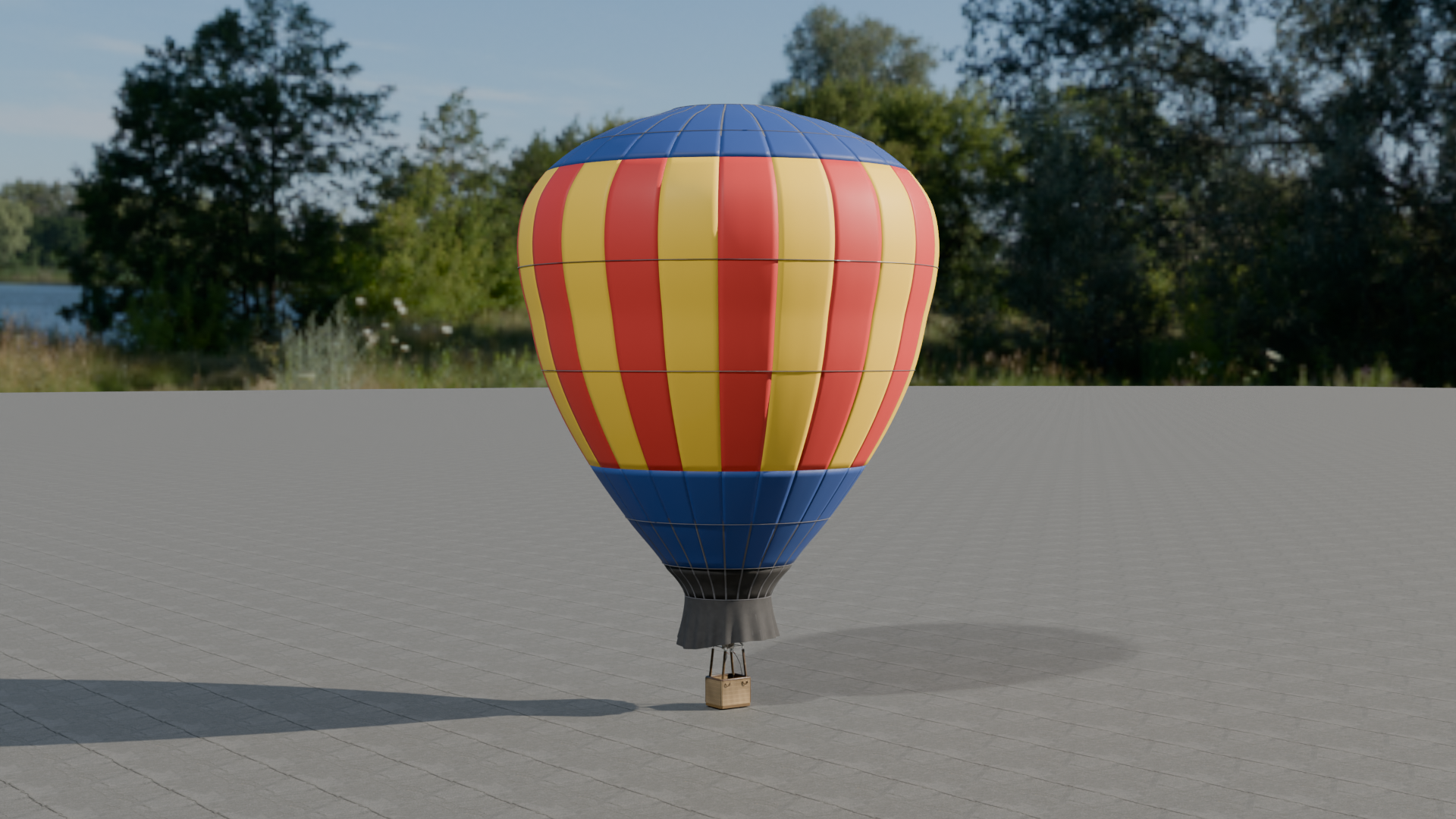
Hot Air Balloon: a rigged four-person sport balloon that inflates, fires its burners, flies, vents down and deflates, with three recolorable envelope colors, a drop-in Blueprint and an overview map.
What's included
- 6 in
Animations - 1 in
Blueprints - 1 in
Maps - 12 in
Materials - 4 in
Meshes - 9 in
Textures
Requirements
- Unreal Engine 5.5, 5.6, 5.7, 5.8; content only (no plugins, no C++, no dependencies).
- Windows tested; the content is platform independent.
Opening it in Unreal Engine
- Open the project, or copy its
Content/HotAirBalloonfolder into your own project'sContentfolder (or use Migrate from the Content Browser). - Open
HotAirBalloon/Maps/L_HotAirBalloon_Overviewand press Play.
Controls and Blueprints
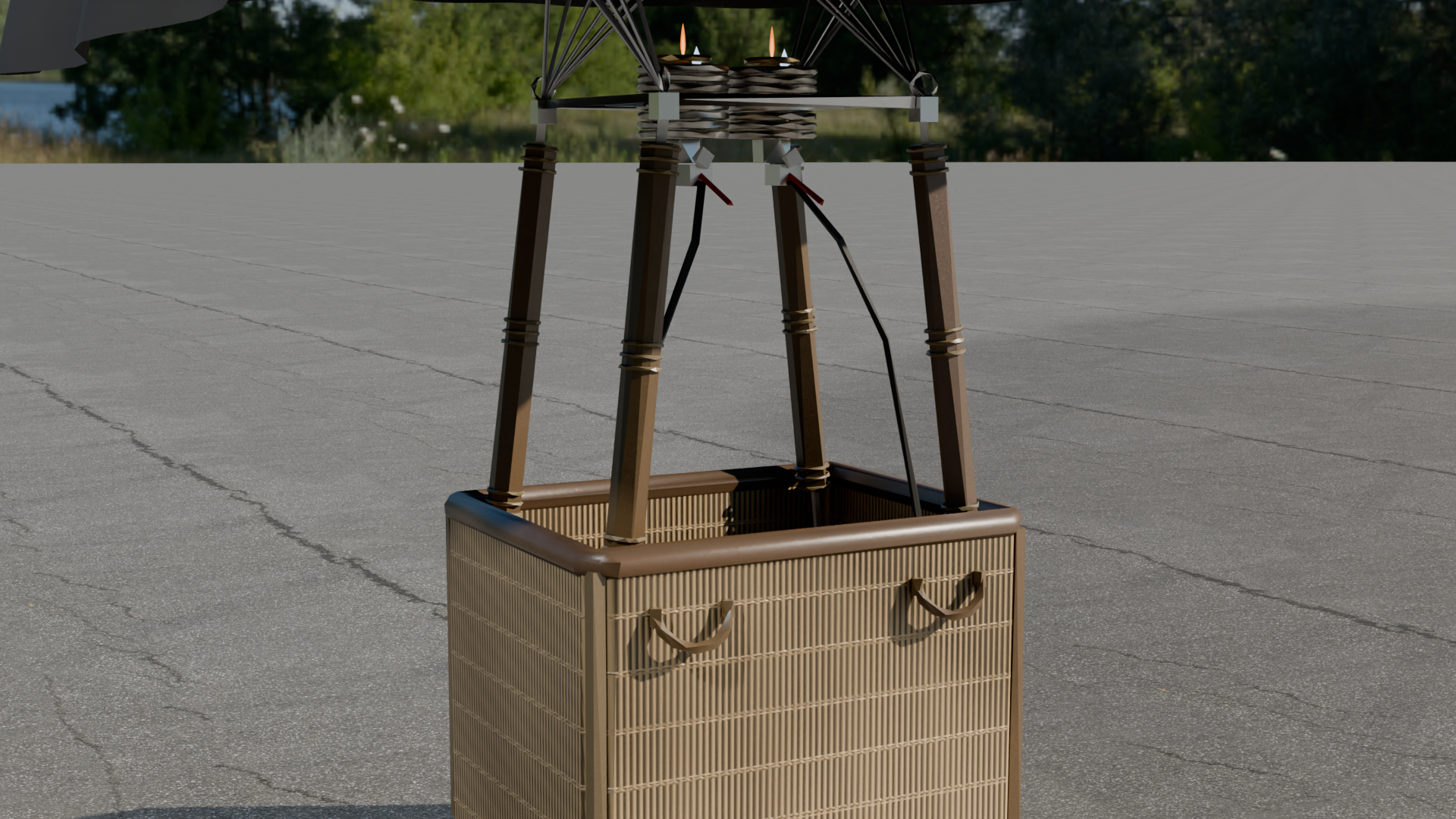
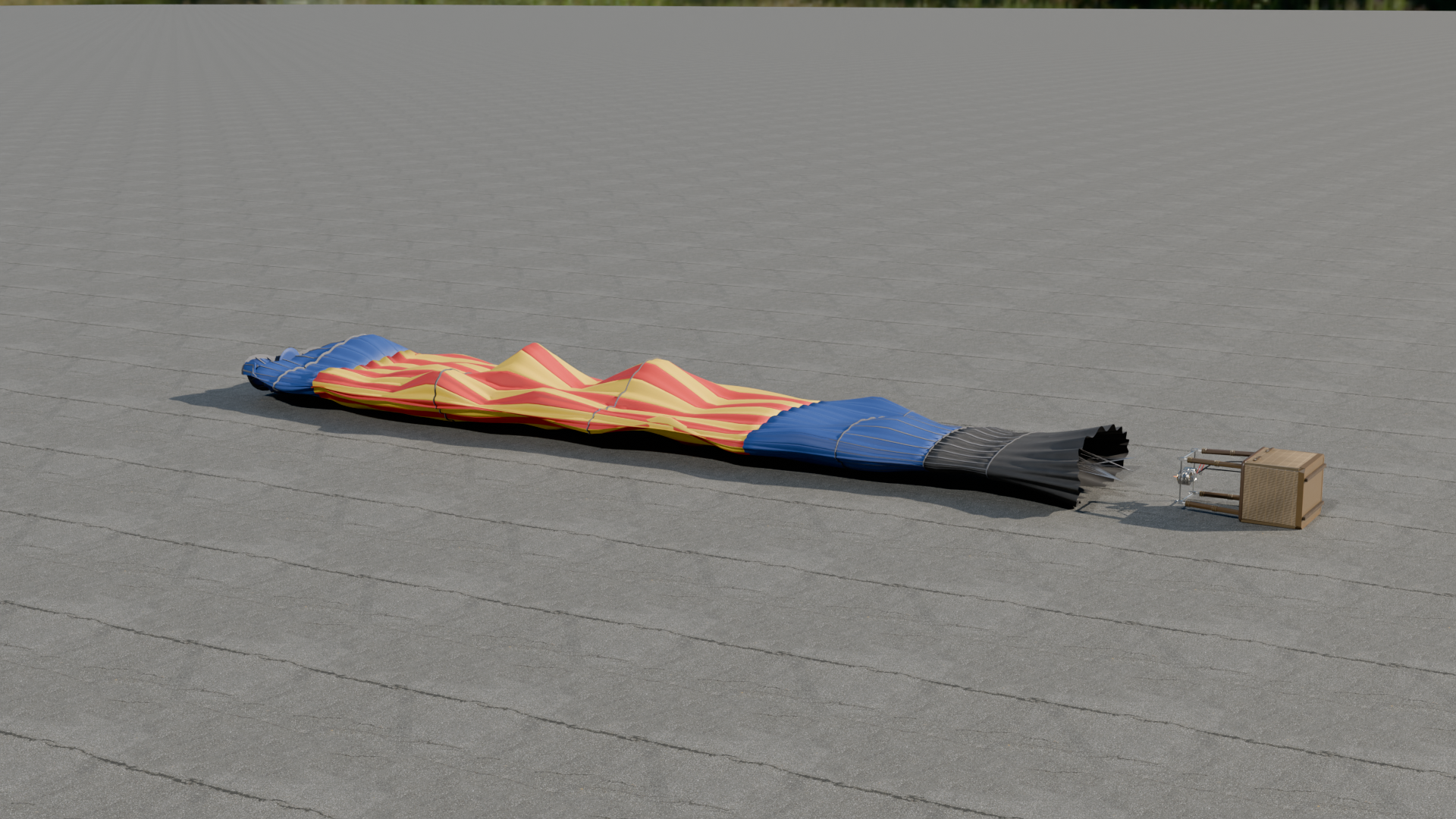
- BP_HotAirBalloon event LayOut: Lays the envelope out flat downwind of the basket, which lies on its side, ready to inflate.
- BP_HotAirBalloon event ColdInflate: The fan fills the envelope to a slack, wrinkled two-thirds while it lies on its side. 24 seconds.
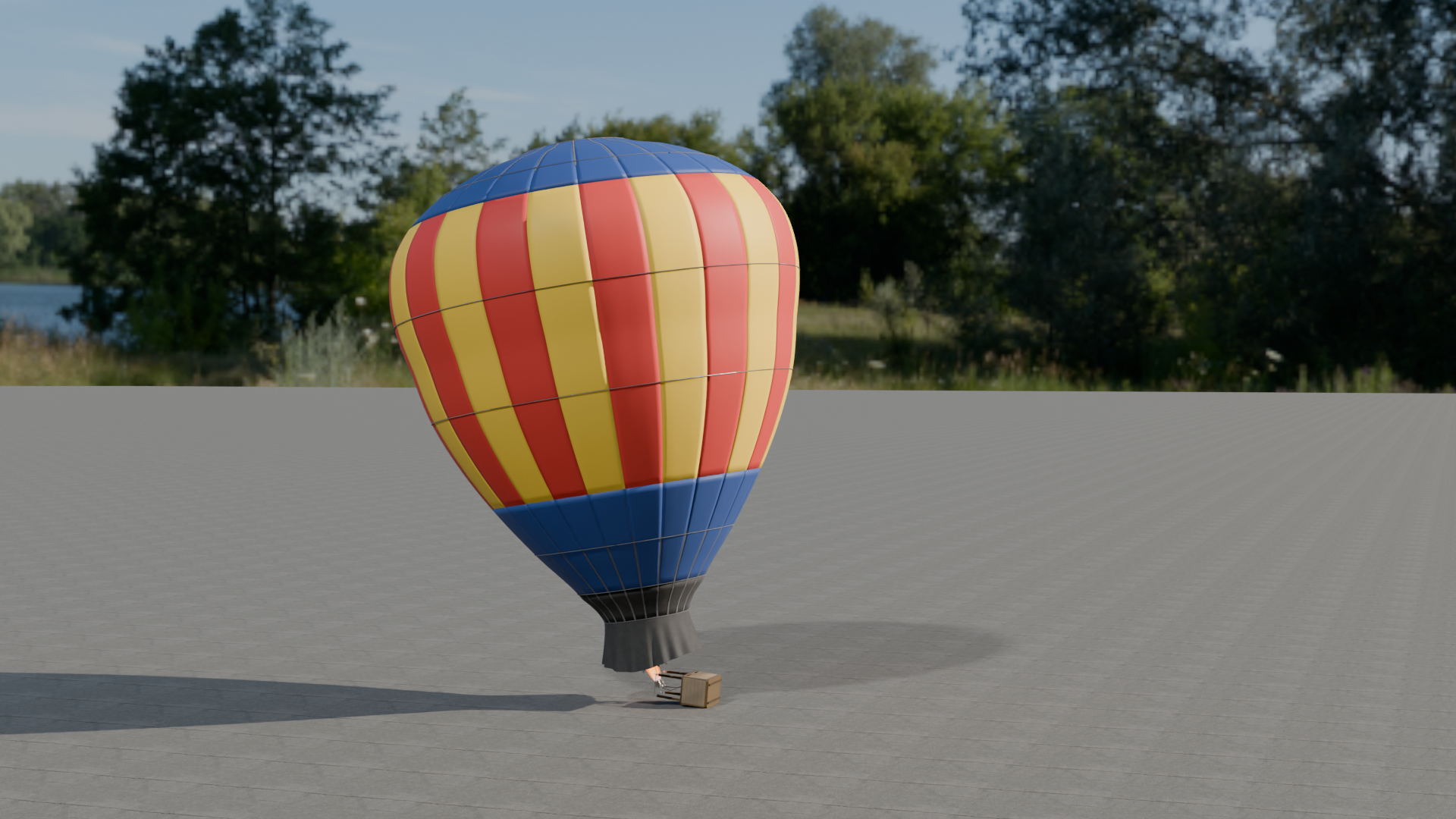
- BP_HotAirBalloon event HotInflate: The burners fire into the mouth and the envelope stands up, pulling the basket upright. 26 seconds; ends in the flying pose.
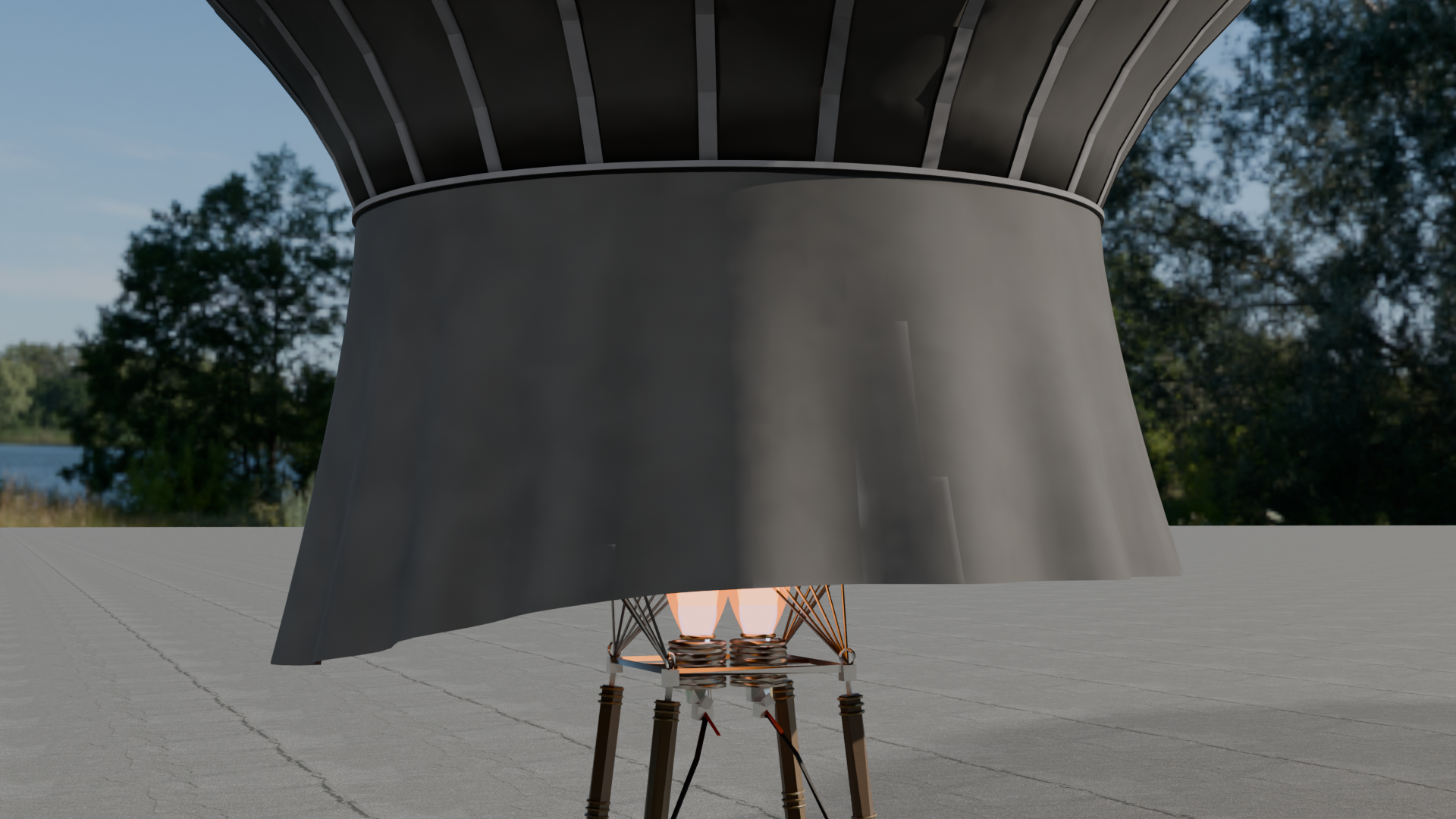
- BP_HotAirBalloon event Burn: A four-second blast on both burners; the flames grow, roar and die away.
- BP_HotAirBalloon event VentDescend: Pulls the parachute vent down to spill hot air at the crown, then lets it reseal.
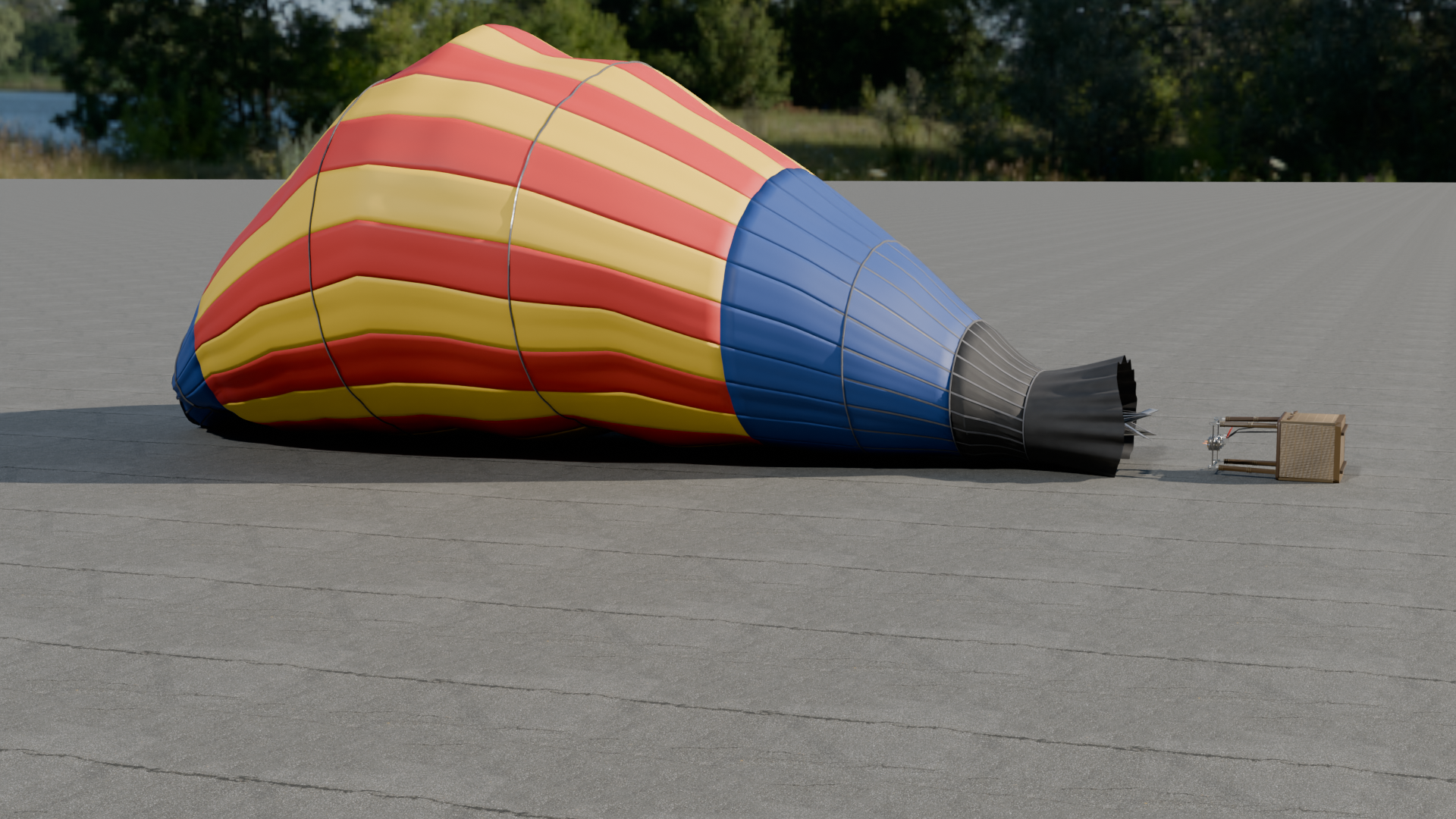
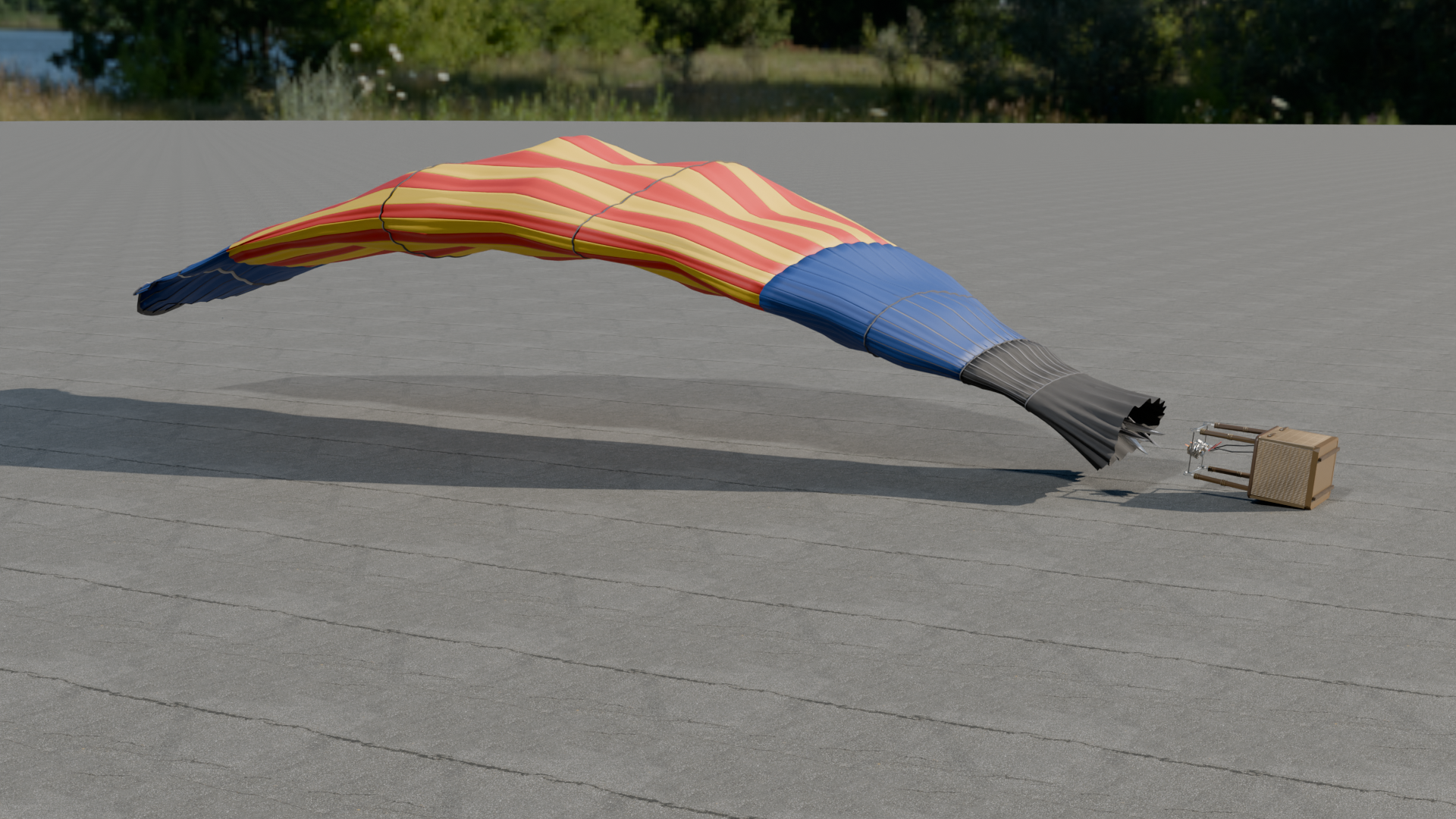
- BP_HotAirBalloon event Deflate: Opens the vent; the crown sags first and the envelope empties and falls downwind, tipping the basket. 18 seconds.
Folder layout
Every asset is in its type's folder under HotAirBalloon:
| Folder | Assets |
|---|---|
HotAirBalloon/Animations | 6: AS_HotAirBalloon_Burn, AS_HotAirBalloon_ColdInflate, AS_HotAirBalloon_Deflate, AS_HotAirBalloon_HotInflate, AS_HotAirBalloon_LaidOut, AS_HotAirBalloon_VentDescend |
HotAirBalloon/Blueprints | 1: BP_HotAirBalloon |
HotAirBalloon/Maps | 1: L_HotAirBalloon_Overview |
HotAirBalloon/Materials | 12: MI_HotAirBalloon_EnvelopeColourA, MI_HotAirBalloon_EnvelopeColourB, MI_HotAirBalloon_EnvelopeColourC, MI_HotAirBalloon_Glow1, MI_HotAirBalloon_Set1, MI_HotAirBalloon_Set1_Metal, MI_HotAirBalloon_Set2, MI_HotAirBalloon_Set2_Metal, M_HotAirBalloon_Glow, M_HotAirBalloon_Paint, M_HotAirBalloon_Set1, M_HotAirBalloon_Set2 |
HotAirBalloon/Meshes | 4: PHYS_HotAirBalloon, SKEL_HotAirBalloon, SK_HotAirBalloon, SM_OverviewFloor |
HotAirBalloon/Textures | 9: T_HotAirBalloon_Set1_BaseColor, T_HotAirBalloon_Set1_Emissive, T_HotAirBalloon_Set1_Metallic, T_HotAirBalloon_Set1_Normal, T_HotAirBalloon_Set1_Roughness, T_HotAirBalloon_Set2_BaseColor, T_HotAirBalloon_Set2_Metallic, T_HotAirBalloon_Set2_Normal, T_HotAirBalloon_Set2_Roughness |
Engines and formats
Unreal Engine 5.5, Unreal Engine 5.6, Unreal Engine 5.7, Unreal Engine 5.8, Unity, Godot.
- FBX (skeletal mesh + one file per clip)
- GLB (all clips embedded)
- PNG textures
- Unreal Engine project per engine (5.5, 5.6, 5.7, 5.8) with Blueprints, materials and a demo map
Help
Questions, bugs or requests: contact us. The product's page in the Exaro store has its full description and a 3D preview you can turn in the browser.
 Vehicles
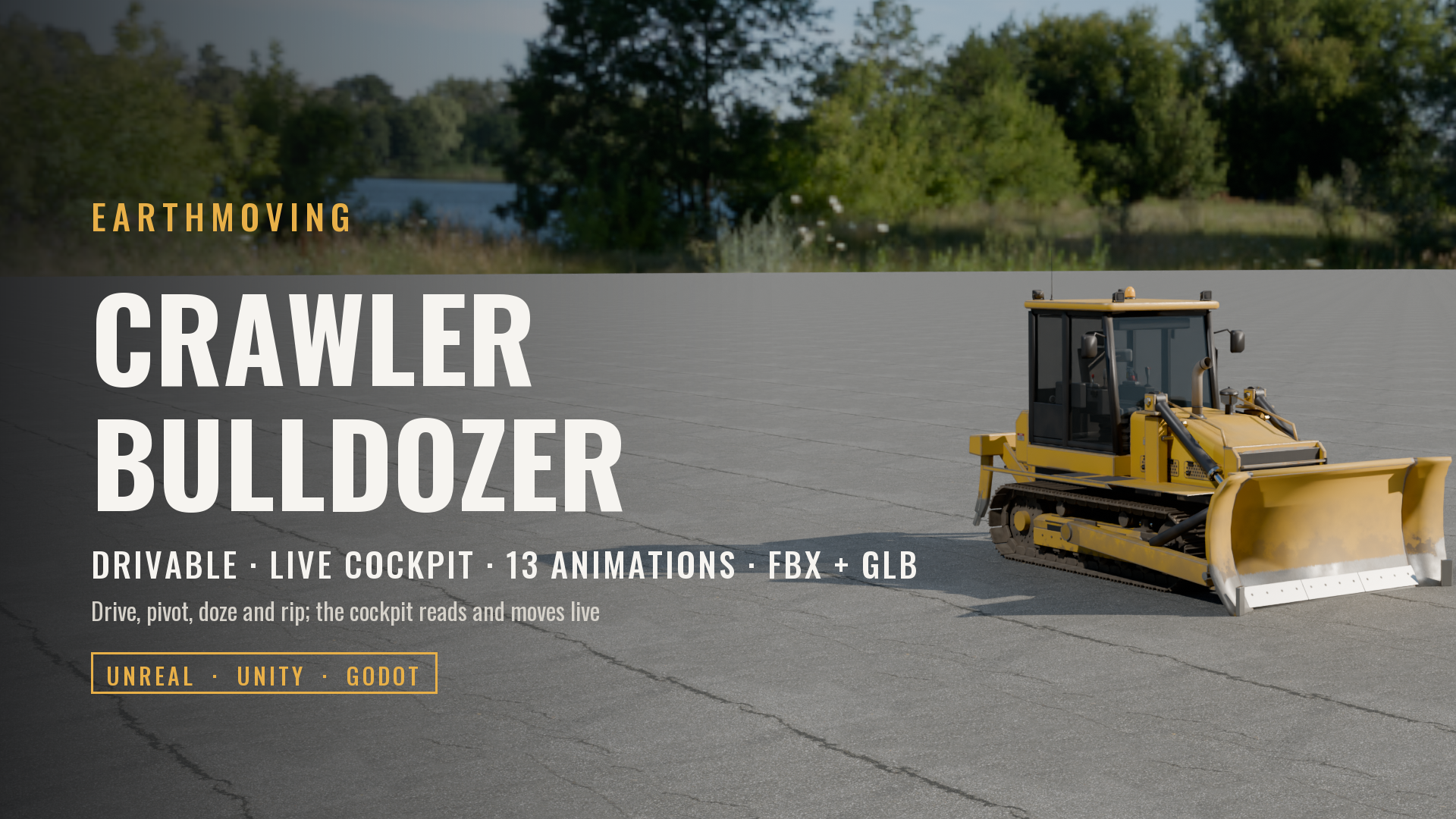
Crawler Bulldozer with Ripper (Drivable, Live Cockpit, Rigged & Animated)
 Vehicles
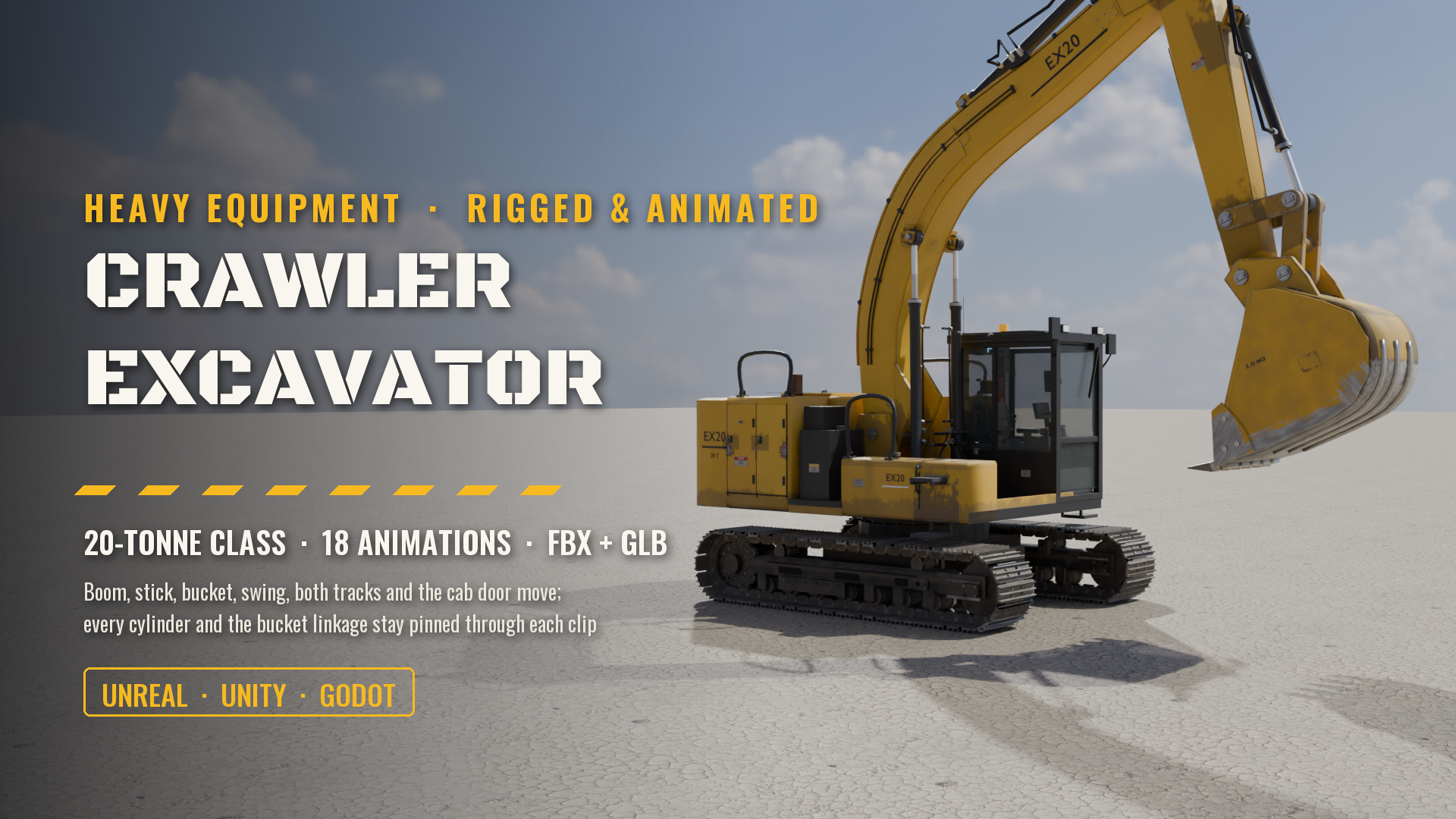
Crawler Excavator, 20-Tonne Class (Rigged & Animated: Boom, Stick, Bucket, Swing, Tracks, Cab)
 Vehicles
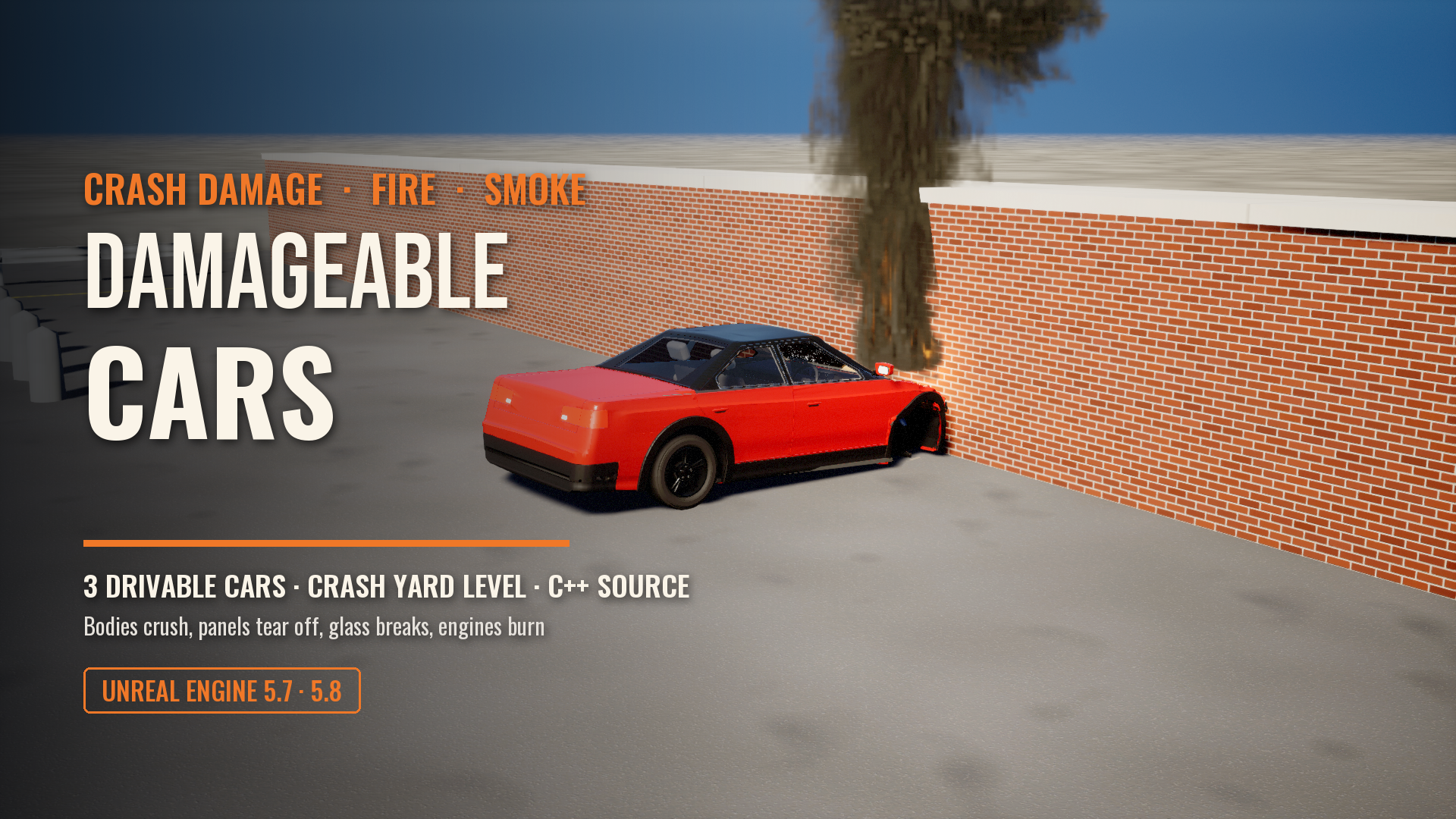
Damageable Cars: Real Crash Damage, Fire and Smoke for Unreal Engine
 Vehicles
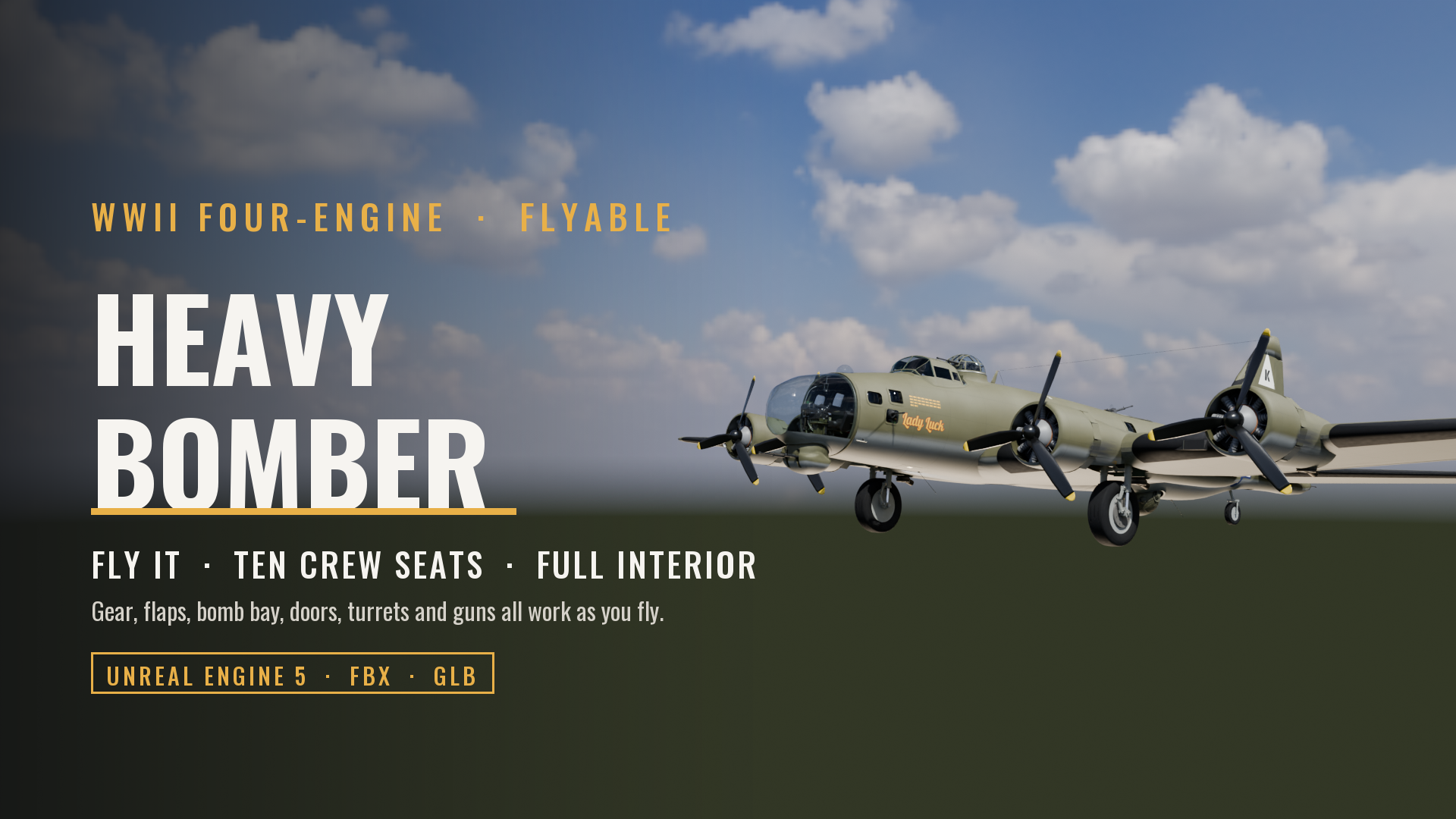
Flyable WWII Heavy Bomber, Four-Engine (Full Crew Interior, Ten Crew Seats, Working Gear, Flaps, Bomb Bay, Guns and Controls)
 Vehicles
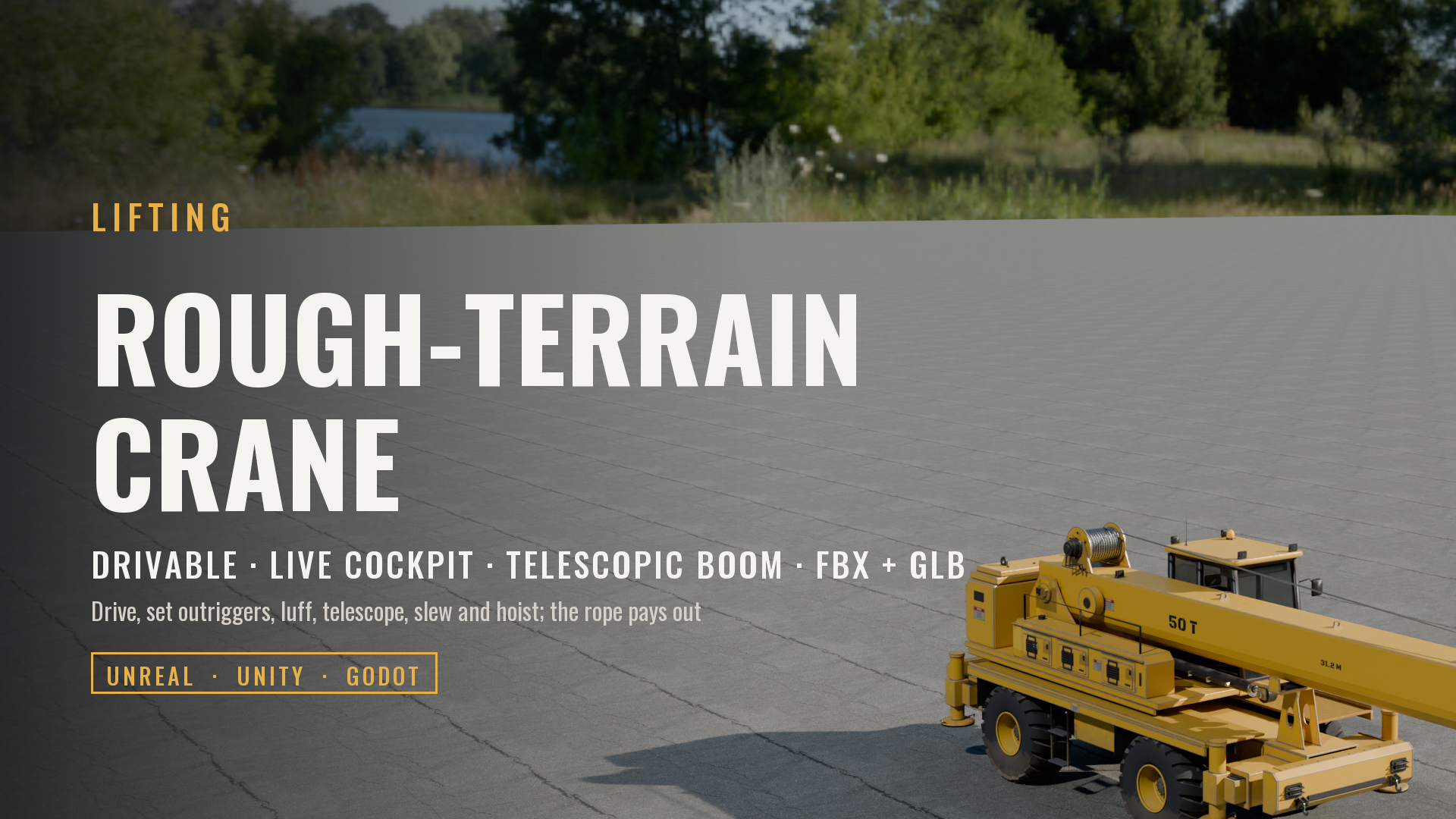
Rough-Terrain Mobile Crane (Drivable, Telescopic Boom, Live Cockpit, Rigged & Animated)
 Vehicles
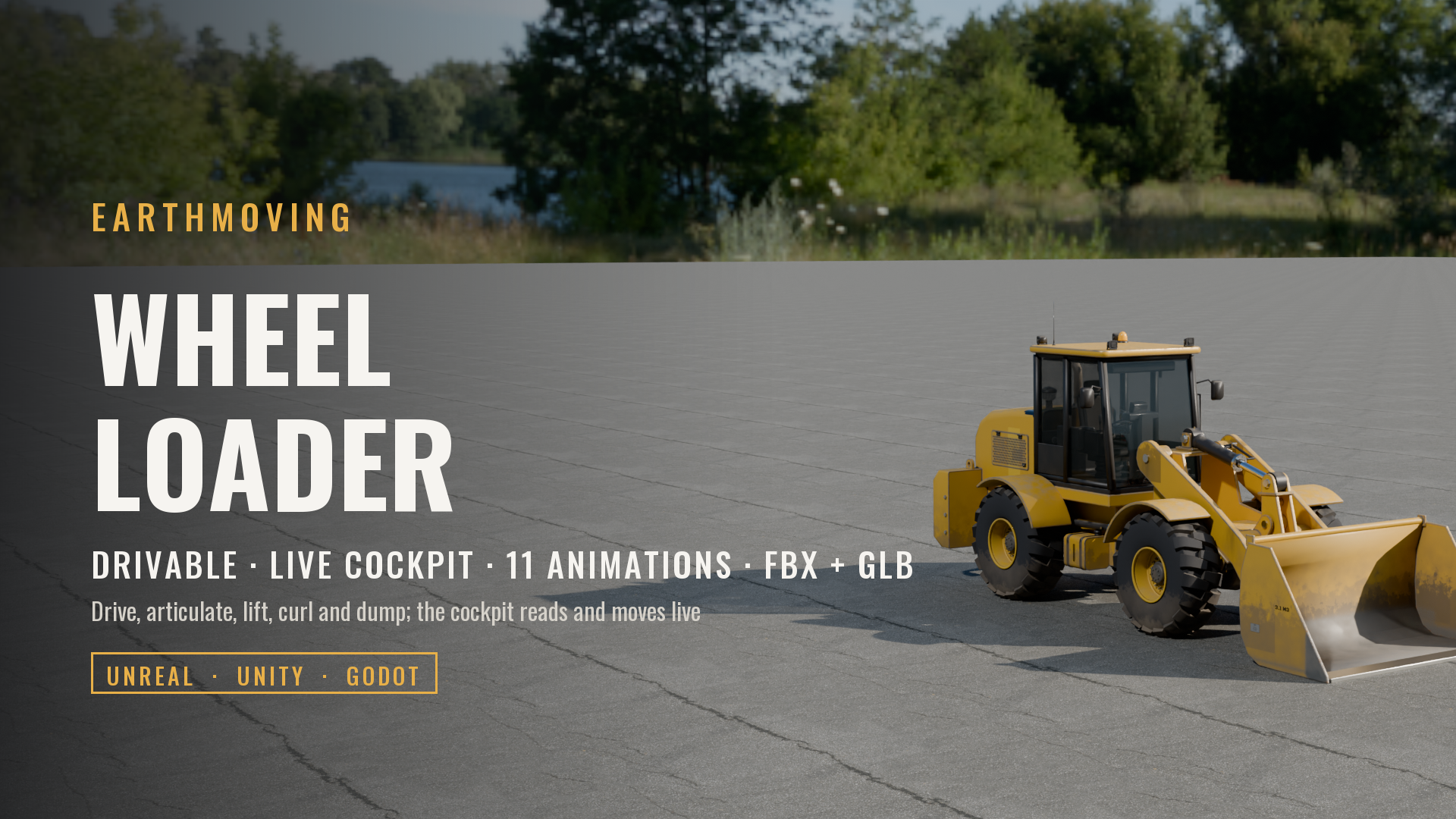
Wheel Loader, Articulated (Drivable, Live Cockpit, Rigged & Animated)
Made with our own production tools
Every Exaro asset is built, checked and packed for Unreal Engine with the same tools we sell: Exaro Model in Blender and Exaro for Unreal inside the editor, driven by the AI you already use.