Block out and dress a level.
Place and arrange actors, build room shells and staircases, sculpt, paint and carve landscapes for rivers and roads, and drive PCG graphs.
Levels, Blueprints and C++, animation, materials, gameplay systems, cinematics, UI, play-testing and packaging. Exaro Unreal gives the AI you already use 1,000+ editor tools inside your real project, and every change is one Ctrl+Z.
Free, no card · Building from $29/month · Windows, Unreal 5.5–5.8
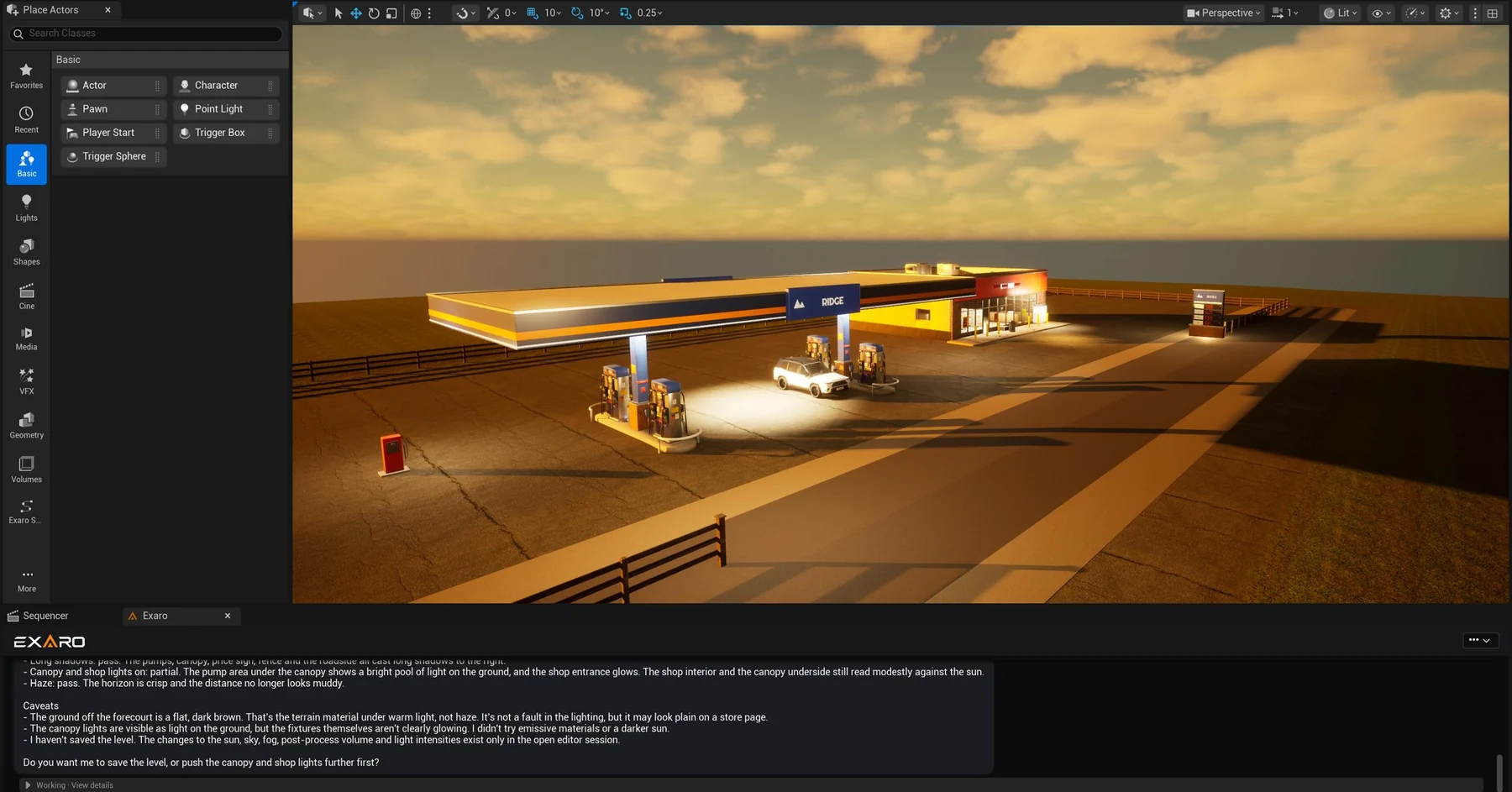
Four screenshots from real sessions, with Claude driving the editor from the Exaro panel. It checks its own work, says what it couldn’t verify, and leaves your level alone until you say so.
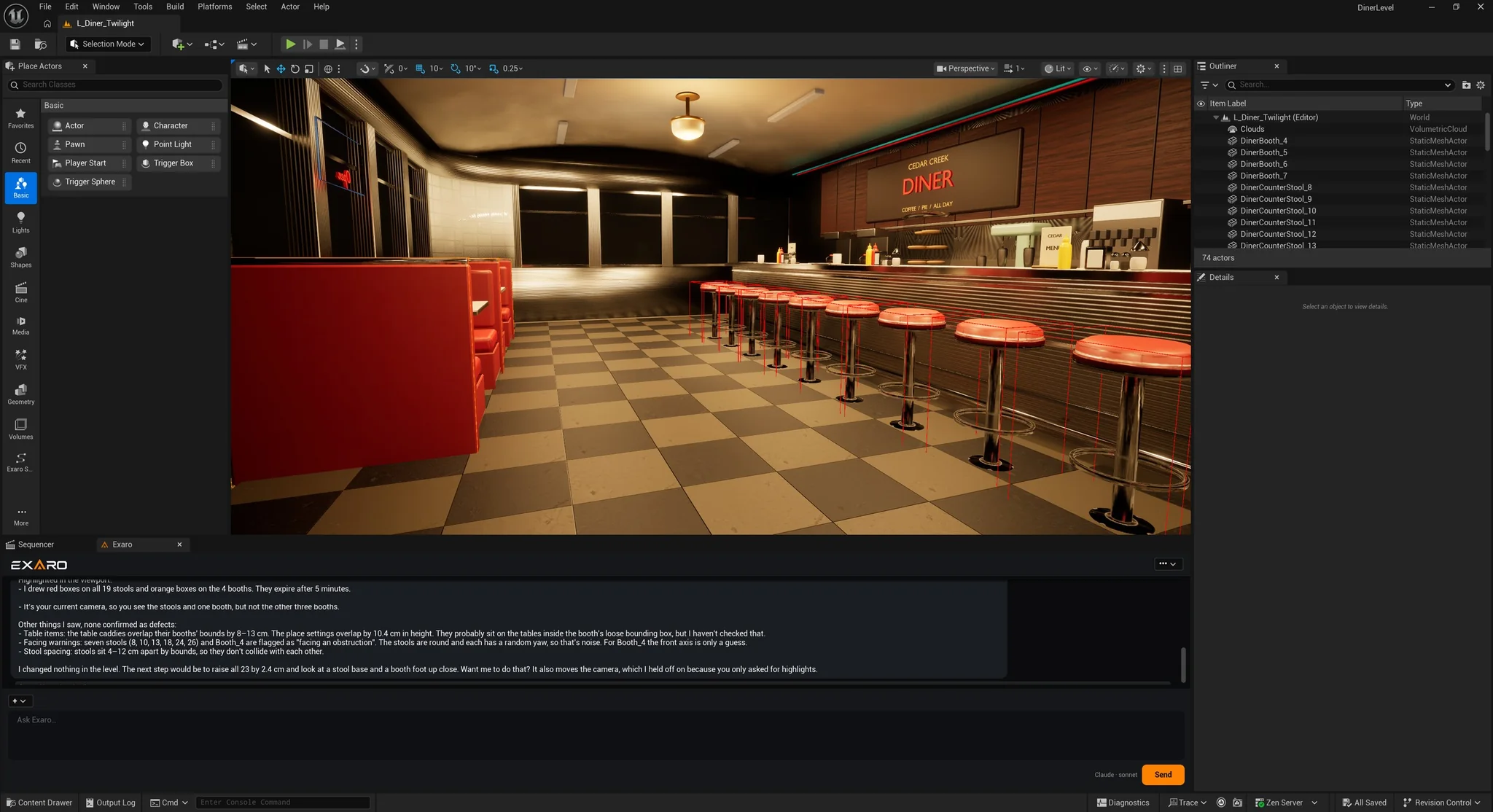
It boxes all 19 stools and 4 booths sitting 2.4 cm into the floor, lists what it saw but couldn’t confirm, and reports: “I changed nothing in the level.”
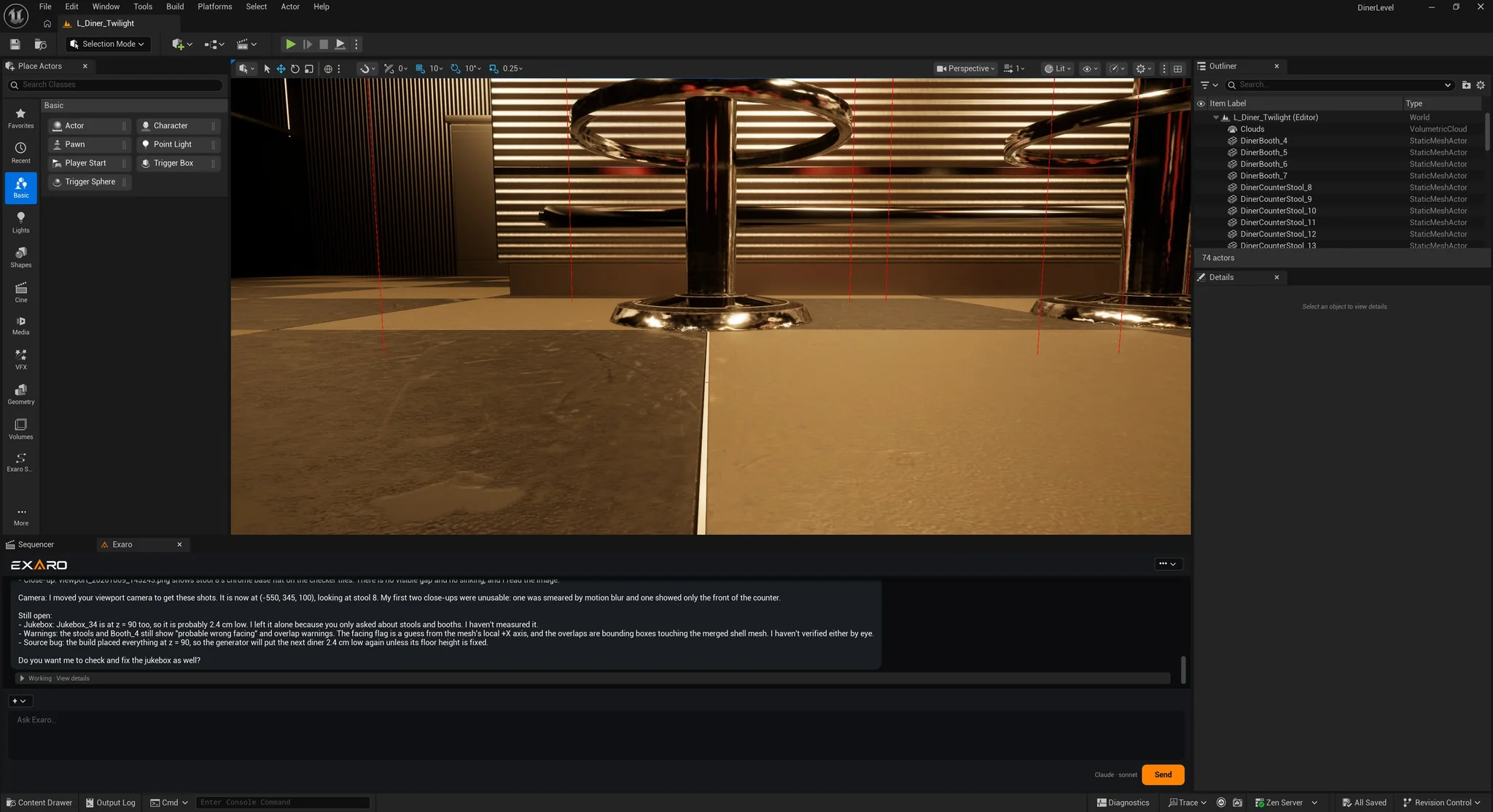
It raises them, moves the camera to a stool base, throws out two unusable shots, and lists what is still open, down to the source bug that put them low.
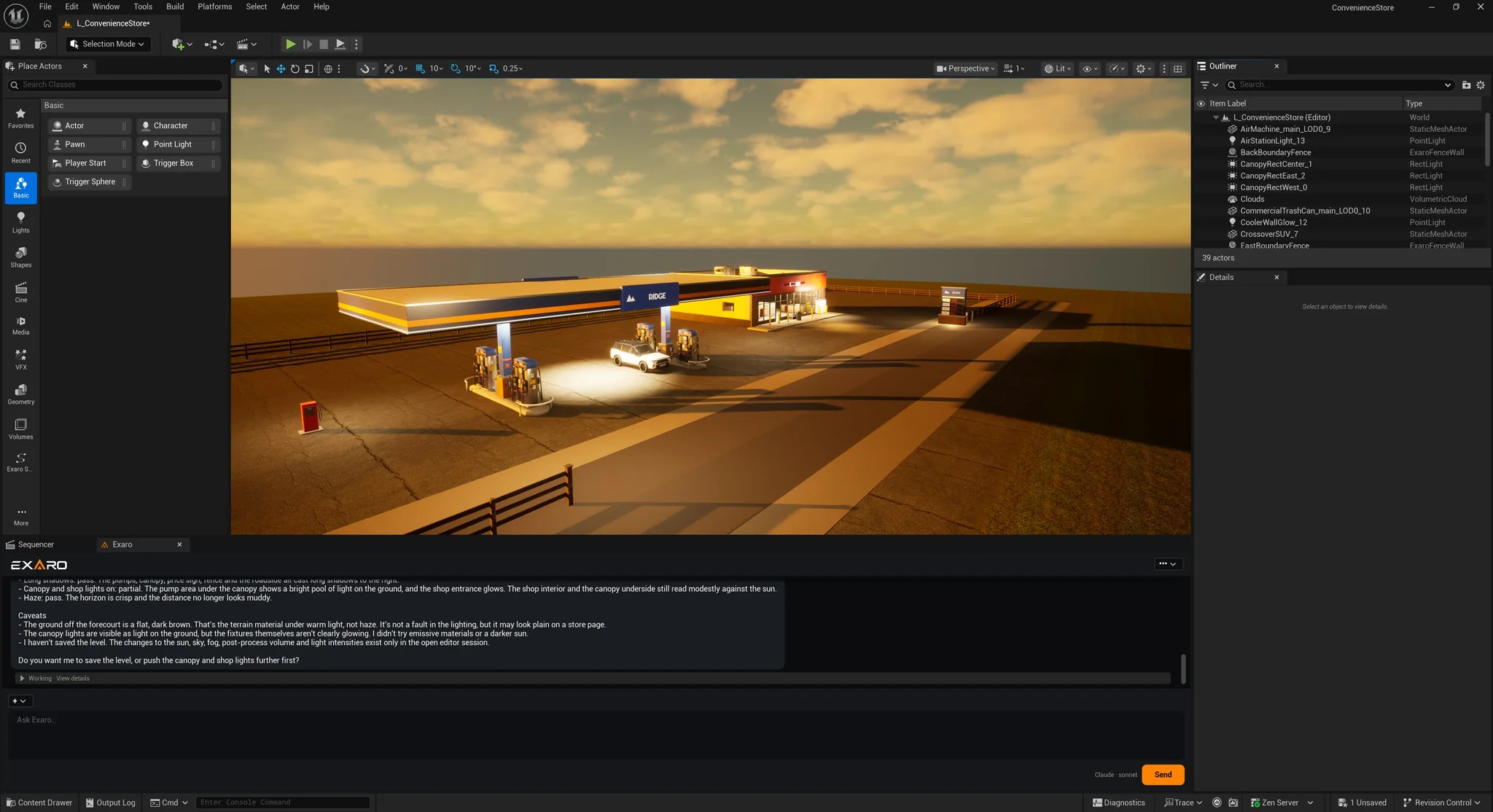
Sun, sky, fog, post-process and light intensities, then a pass or partial on every goal, the caveats, and a reminder that the level isn’t saved yet.
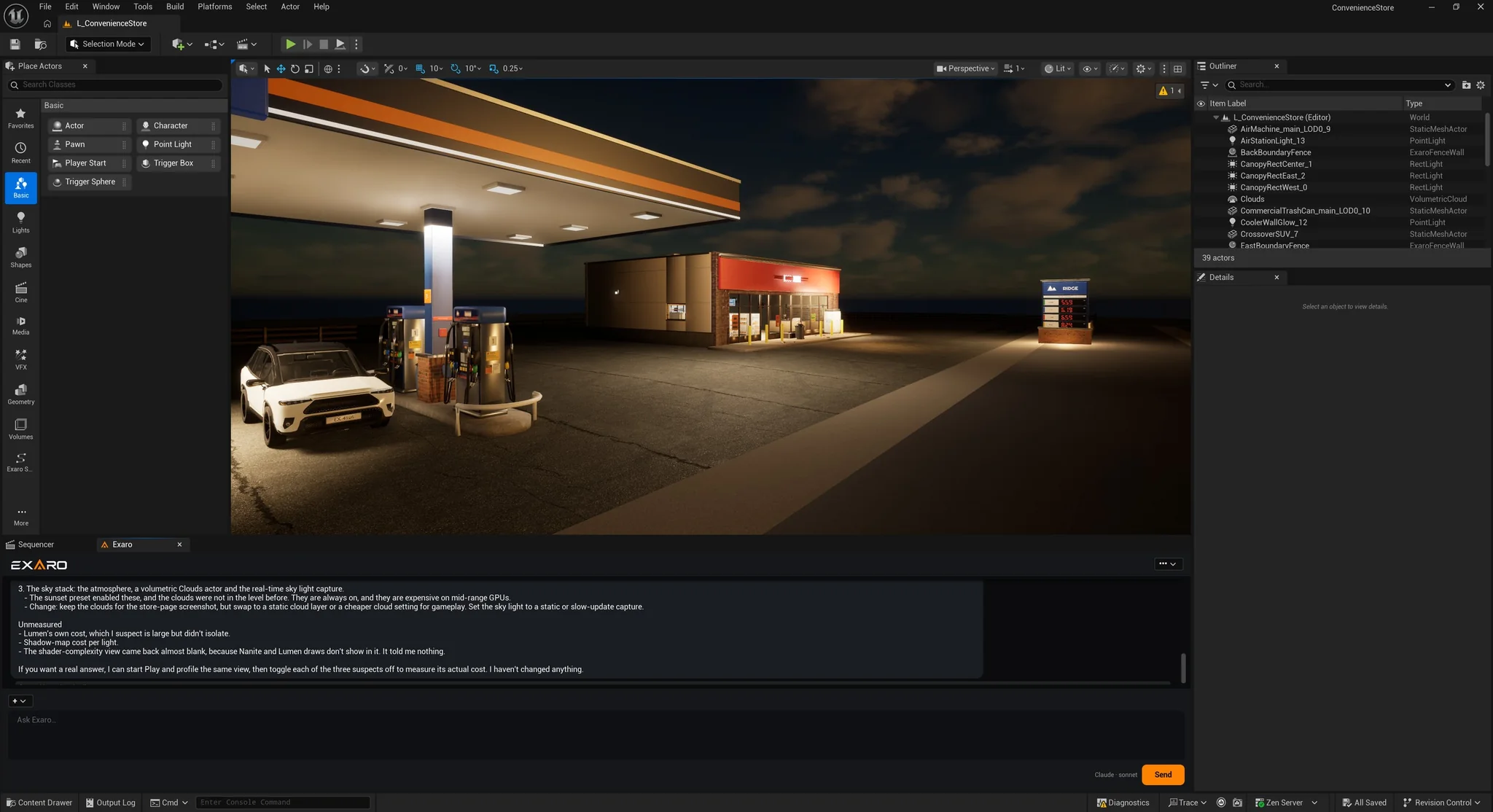
It names the likely costs (the volumetric clouds, the live sky-light capture), says what it couldn’t measure, and offers to profile in Play. Nothing changed.
Not a handful of demo commands. Exaro reaches the parts of Unreal a real game touches, so one conversation can carry a feature from the first actor to a build you can hand to a player.
Place and arrange actors, build room shells and staircases, sculpt, paint and carve landscapes for rivers and roads, and drive PCG graphs.
Blueprint graphs, functions, components and event dispatchers, or C++ classes compiled and hot-loaded with Live Coding, with the errors read back.
Playable characters and enemies, Blend Spaces, Chooser Tables, Motion Warping and combat montages, wired onto the character.
Gameplay Ability System and Gameplay Tags, Behavior Trees, State Trees, EQS and navigation, dialogue, interaction and replication.
PBR materials and full material graphs in one call, Niagara systems, emitters and curves, and the rendering settings around them.
Level Sequences, camera rigs and cuts, gameplay HUDs, main menus and settings screens whose buttons work the first time they are shown.
Run Play-In-Editor, read live values off running actors, apply damage to test hit reactions and deaths, and triage editor crashes.
Audit assets and triangle budgets, generate LODs, fix redirectors, edit project settings, then cook and package the build.
Built by an AI working in Exaro Unreal and Exaro Model together: the Sun, the eight planets, the Moon, Pluto and five fictional worlds, each a Blueprint you drag into a level. Fly from orbit to the ground in one shot: a 64K Earth, volumetric clouds below the cloud shell and true-scale mountains on the way down.
Exaro Unreal builds the systems a level is made with, not only the pieces in it. These two ship as Unreal plugins: draw a spline and the road or the wall builds itself, fitted to your landscape.
Your AI can look at the whole project freely. Changes apply as soon as you ask, each one a single Ctrl+Z. Prefer to check first? Turn on Ask before applying changes and every change waits on a card for your Approve. Anything that spends money or sends data off your machine always asks.
Use your own Anthropic, Google or OpenAI key, or the Claude Code, Codex or Gemini CLI subscription you already pay for. Your key stays on your machine and goes only to the provider you pick. Exaro never meters or marks up AI usage.
The MCP server lives inside your open editor and listens on your own computer only. Your license is checked once, then verified locally, so Exaro keeps working offline.
Chat from a panel inside Unreal (Ctrl+Alt+A), with nothing to configure. Or drive the open editor from Claude Code, Cursor, Claude Desktop or your own agent over MCP.
Exaro is not a fixed set of commands. You get every tool we ship, and you shape it around your project, your conventions and the way your team works.
Teach Exaro your project: its vocabulary, its conventions and the way your team works. That setup lives in your project, so Exaro fits your pipeline instead of the other way round.
Updates bring every new tool we ship. Your customizations sit in your project, apart from the plugin, so an update adds to what you have instead of resetting it.
Your project, your customizations and everything you build are your confidential work and your IP. Exaro runs inside your editor and doesn’t upload your project to us.
Your agent can search Exaro Assets, show you the price, wait for your approval and place the purchase in your project. Every asset includes a commercial-use license.
 FURNITURE
Rigged · 9 clips · FBX + GLB
 APPLIANCES
Rigged · 36 clips · FBX + GLB
 APPLIANCES
Rigged · 8 clips · FBX + GLB
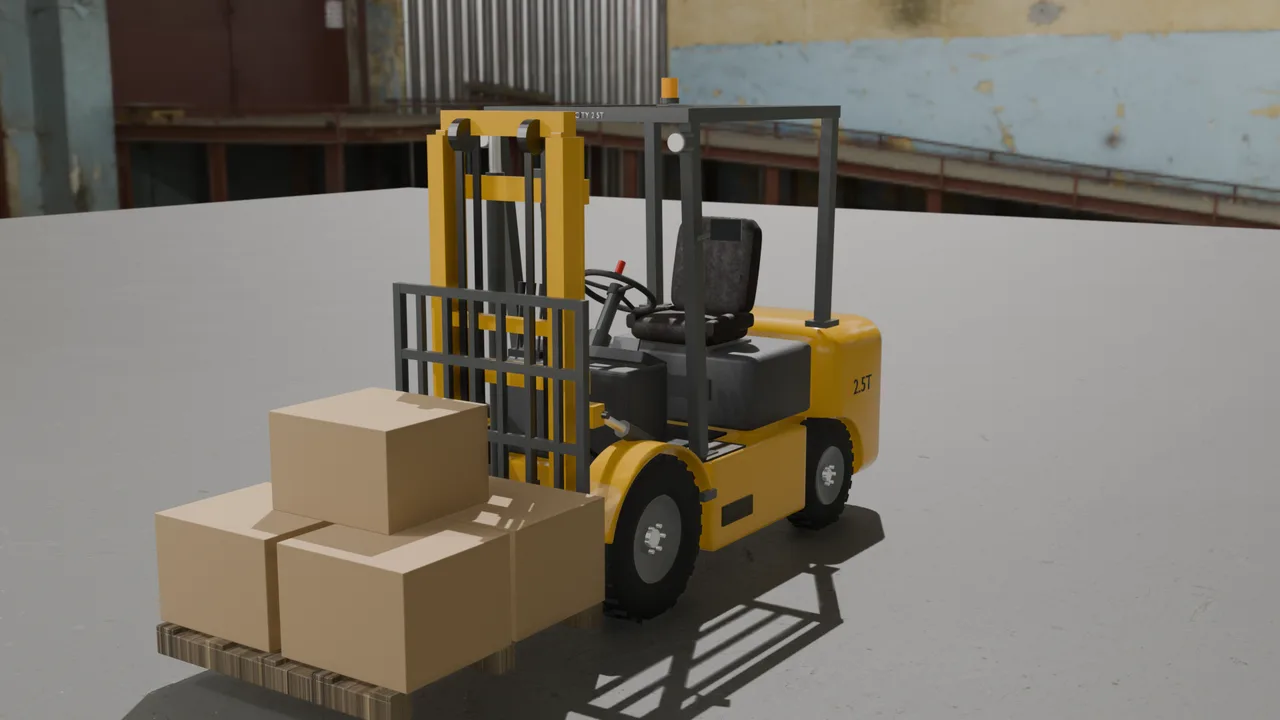 VEHICLES
Rigged · 9 clips · FBX + GLB
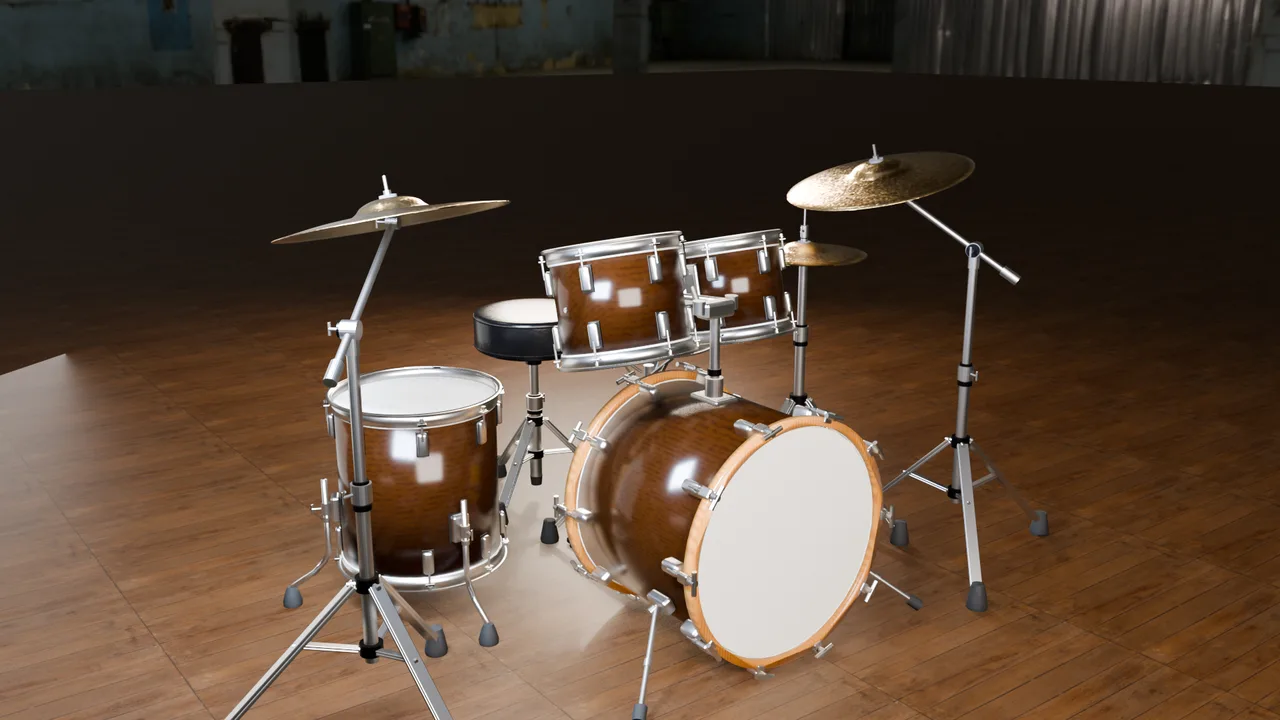 INSTRUMENTS
Playable on the UE5 Mannequin
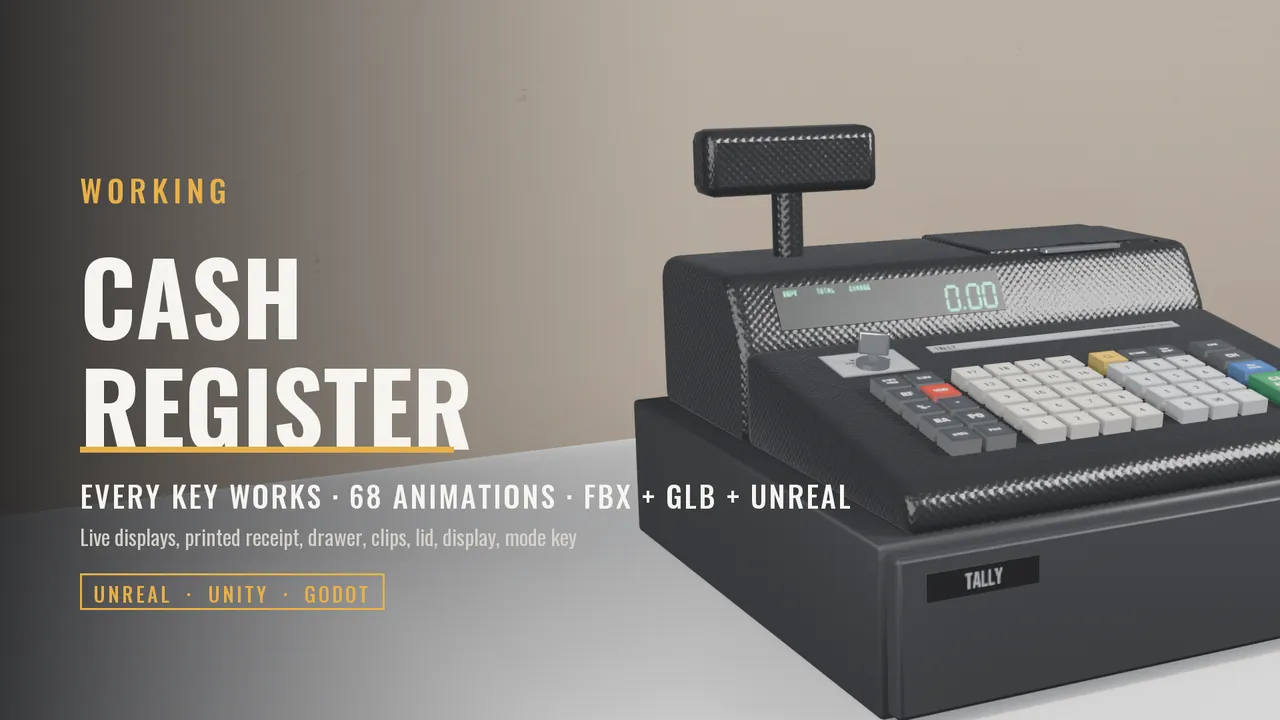 PROPS
PROPSEvery key works · 68 clips · Blueprint events
Inspect the actual mesh in the browser and play every animation before you buy. Every listing is a real downloadable file with a commercial-use license.
Exaro Model creates production assets from references and direction, from a prop to a complete airliner, and sends them to your open Unreal editor, verified, where Exaro Unreal takes over.
Unreal Engine 5.5, 5.6, 5.7 and 5.8 on Windows today, with the full tool set on 5.7 and 5.8. Exaro speaks MCP, the open standard AI clients use, so any compatible client can drive it, and Unity and other engines can join without changing how you work.
Start free with your own AI keys or your Claude Code, Codex or Gemini CLI subscription: chat in-editor while Exaro reads and explains your project with every read-only tool. A paid plan unlocks the Unreal MCP that builds — every editing tool, unlimited calls, through Claude, Codex, Cursor, or whichever AI you already use. Updates are included while you subscribe, and after 12 paid months the version you have is yours to keep. Cancel any time. We never meter requests. Requires Unreal Engine 5.5 to 5.8 on Windows.
See it work on your project.
Monthly, for independent developers.
The same plan with 2 months free.
For companies and teams.
Exaro for Unreal (Free) on Fab chats about your project and inspects it. Building needs the full Exaro Unreal plugin, a separate download for subscribers, so there is no key to enter in the free edition.
No. Exaro ships no AI model of its own. It gives the AI you already use the tools to work inside Unreal Engine, so when a better model comes out, you switch to it and keep working.
You use your own: an API key from Anthropic, Google or OpenAI, a Claude Code, Codex or Gemini CLI subscription you already have, or a model on your own GPU. Your provider bills you directly. Exaro adds no request fees.
Free is the trial, with no card and no time limit. Your AI can inspect the whole project (levels, actors, Blueprints, assets and logs), explain it and advise you. Making changes needs a paid plan, from $29 a month, which you can start from inside the editor.
Every change lands as a single undo step, and you can turn on Ask before applying changes so each one waits for your approval. Exaro works on your real project and reuses what is already there, so its work is plain Unreal content you can keep editing.
You do. Your project, everything Exaro builds in it and any way you extend Exaro for your team are your work and your IP. Exaro runs in your editor; your conversation goes only to the AI provider you choose.
Unreal Engine 5.5, 5.6, 5.7 and 5.8 on Windows. 5.7 and 5.8 get the full tool set; 5.5 and 5.6 get the core tools.
Free to inspect and chat. To build, Individual is $29 a month or $249 a year, and Studio for companies is $999 a year. Exaro Studio adds Exaro Model for $45 a month or $399 a year. Cancel any time, and after 12 paid months you keep the version you have.
Start free on your own project and let your AI show you what it finds. When you are ready for it to build, a paid plan unlocks every tool, and every change is still one Ctrl+Z.