Celestial Bodies
The Sun, every planet, the Moon, Pluto and five seeded fictional worlds at true scale in Unreal Engine: displaced terrain, a 64K Earth with volumetric clouds, sky atmospheres, rings, star fields, Sequencer shots and a flyable descent from orbit to the ground. For Unreal Engine 5.6, 5.7 and 5.8.
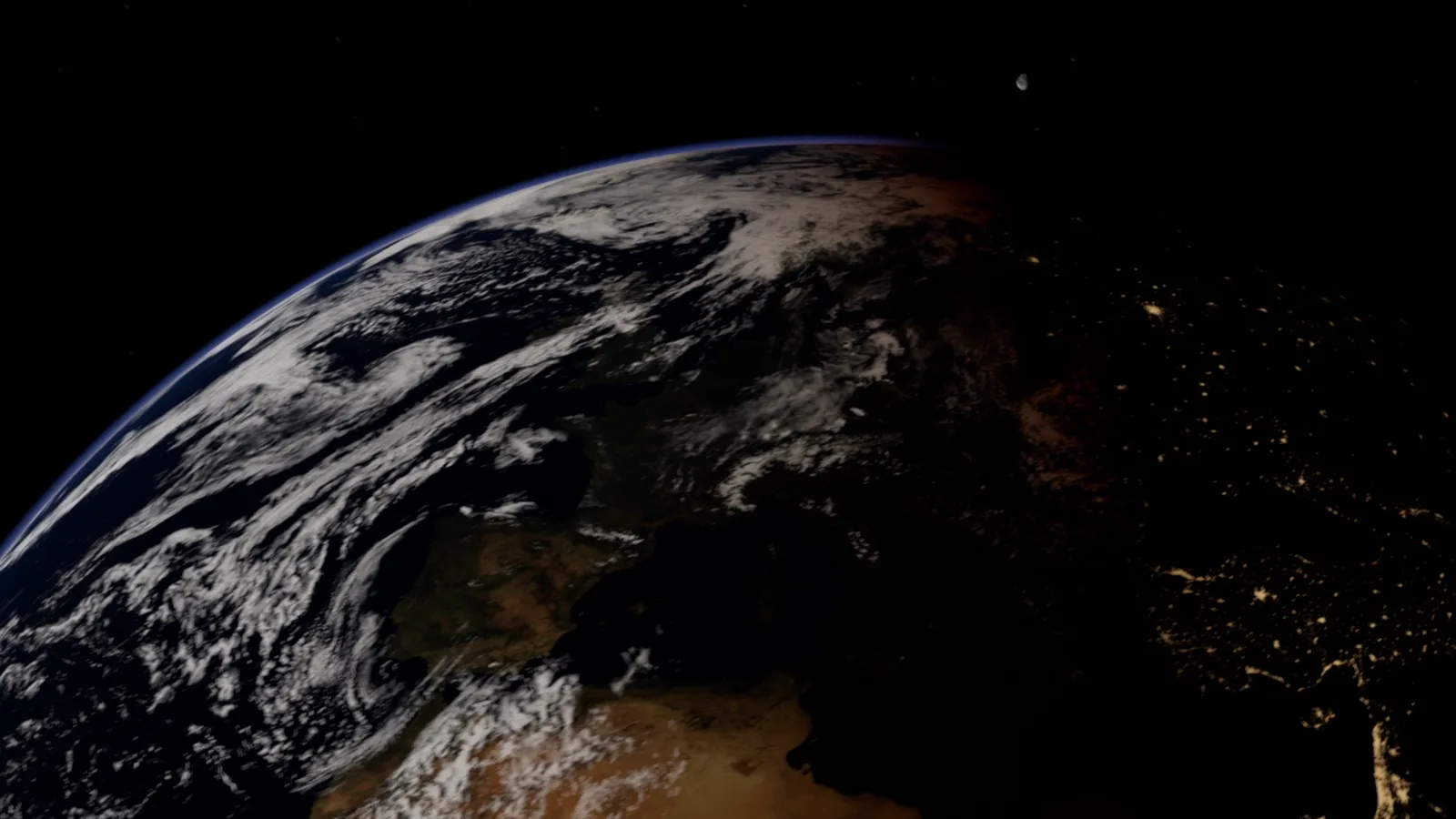
Space/Maps/SolarSystem and press Play. Fly with the mouse and W A S D; the number keys switch demo levels. Everything below is detail.1. Install
There is one download per engine version: pick the zip that matches your engine (5.6, 5.7 or 5.8). Each holds two folders, the ExaroCelestial code plugin, already built for that engine on Windows, and the Space content folder, saved for that engine.
- Copy
ExaroCelestialinto your project'sPluginsfolder (createPluginsnext to your.uprojectfile if it is not there). - Copy
Spaceinto your project'sContentfolder. Keep the name: the maps and materials refer to/Game/Space. - Open the project. If Unreal asks, enable the plugin and restart.
Tested on Windows (DirectX 12). To build the plugin yourself, delete its Binaries folder: with Visual Studio installed, Unreal builds the plugin from its source when the project opens. Content saved for one engine does not open in an older one, so a 5.6 project needs the 5.6 zip.
Three project settings matter. New projects have the first one already; the zip's INSTALL.txt has the same list.
- Project Settings → Platforms → Windows → D3D12 Targeted Shader Formats includes SM6. Without it, Nanite draws every planet as a coarse polygon.
- Project Settings → Engine → Rendering → Virtual Textures is on. Maps above 16K (Earth's 64K surface, its 32K clouds and night lights) only load as virtual textures.
- Nanite is on (it is by default). Terrain relief has real height when you fly low: Earth's mesh is built from its measured height map, and the Moon, Mercury and Pluto use Nanite tessellation.
The whole content folder is about 6 GB, most of it Earth. If you only need some bodies, delete the folders under Space you do not use, along with their maps.
2. The demo levels
Open any map in Space/Maps. Three are made to play; five hold a finished Sequencer shot; the rest show one body each.
| Map | What it shows |
|---|---|
SolarSystem | The Sun and every planet lined up at compressed distances but true sizes and tilts. Press Play and fly between them. |
AtmosphericEntry | Earth and the Moon. Dive into Earth: plasma glow on the way in, then volumetric clouds and streamed satellite imagery near the ground. |
NewWorlds | The five fictional worlds side by side: an ocean world, a desert world, an ice world, a volcanic world and a warm gas giant. |
EarthMoon, EarthSunrise, EarthEntry, MoonPass, SaturnFlyby | Cinematic shots. Open the level sequence in Space/Sequences to play or render it. |
Earth, Mars, Saturn and the rest | One body each, lit and ready to copy into your own level. |
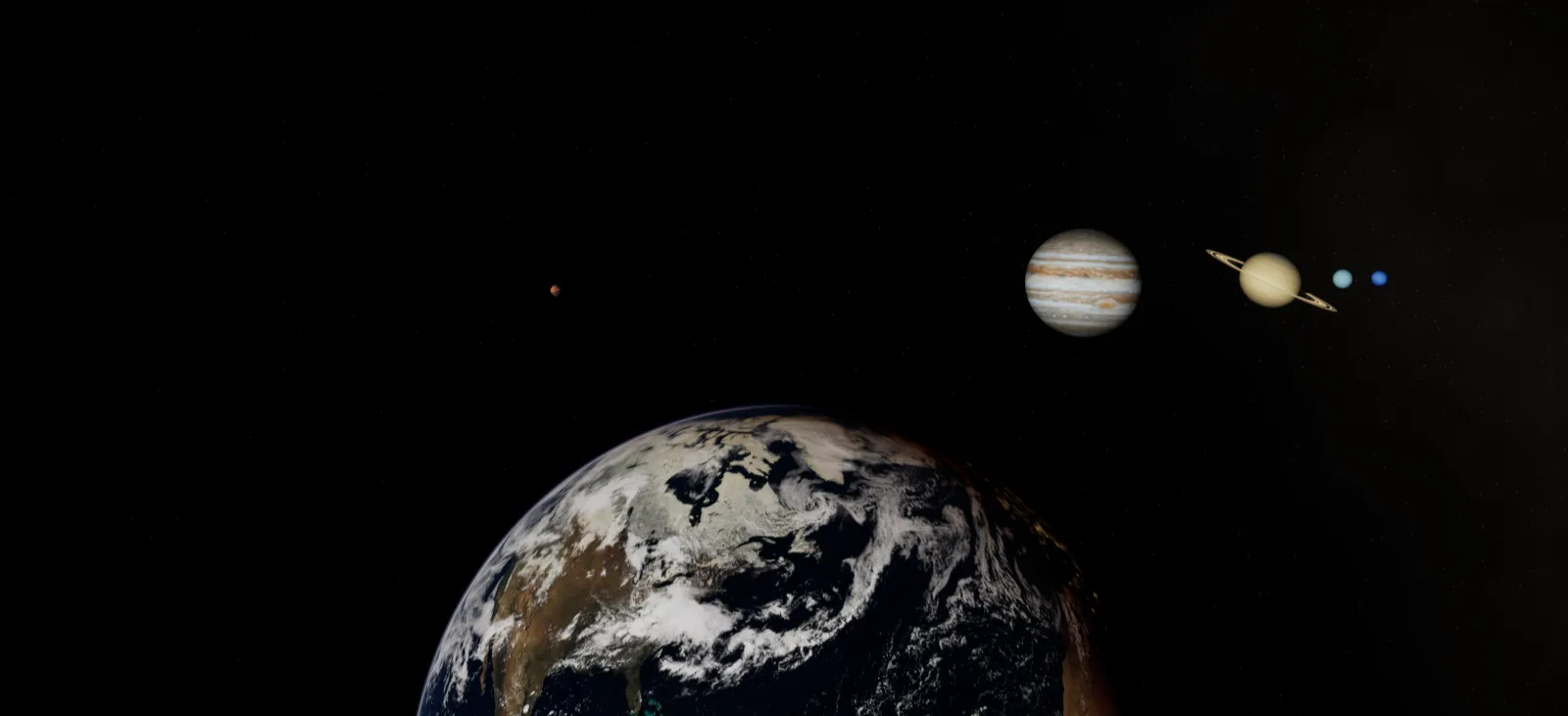
In the playable levels:
- Mouse looks, W A S D fly, Space and Ctrl rise and sink, Q and E roll.
- Speed follows your height above the nearest body: fast between planets, slow near the ground. The mouse wheel scales it.
- The number keys 1, 2, 3 open the demo levels; Esc quits a packaged game.
3. Put a body in your level
Every body is one Exaro Celestial Body actor that carries its meshes, materials, texture sets and sky atmosphere. The easiest way to use one is to copy it:
- Open the body's map, for example
Space/Maps/Mars. - Select the body in the Outliner and press Ctrl+C.
- Open your level and press Ctrl+V. Move it where you want it.
- In the Details panel, set Sun to your level's directional light. The body aims its lighting, night side, ring shadows and cloud shadows at that light.
Bodies are true size: Earth is 6,371 km across its radius, so a camera that sees the whole planet sits thousands of kilometres away. Unreal's large-world coordinates handle this; keep everything within about 40 million km of the origin.
Unreal draws one sky atmosphere per level. If you place two bodies that both have air (Earth and Mars, say), untick Use Atmosphere on all but the one the camera gets close to. Unreal also caps an atmosphere at 10,000 km, so the gas giants use a glow in their material instead.
4. Change the look
Select a body and open the Celestial → Look sections in the Details panel. Every value is keyable in Sequencer. The ones you will use most:
| Setting | What it does |
|---|---|
| Day Gain, Colour Gain | Brightness of the daylit surface. |
| Relief Strength | How strongly the surface's relief catches light (0 flat, 1 as measured). |
| Ocean Roughness, Ocean Specular | The sun glint on open water. |
| Night Intensity, Night Tint, Night Sharpness | City lights (or lava glow) on the night side, and how sharply they fade in past the terminator. |
| Cloud Opacity, Cloud Shadow, Cloud Brightness | How much cloud, how dark its shadows on the ground and how bright it is in sunlight. |
| Cloud Forward Scatter, Cloud Scatter G | The silver lining on cloud edges with the sun behind them. |
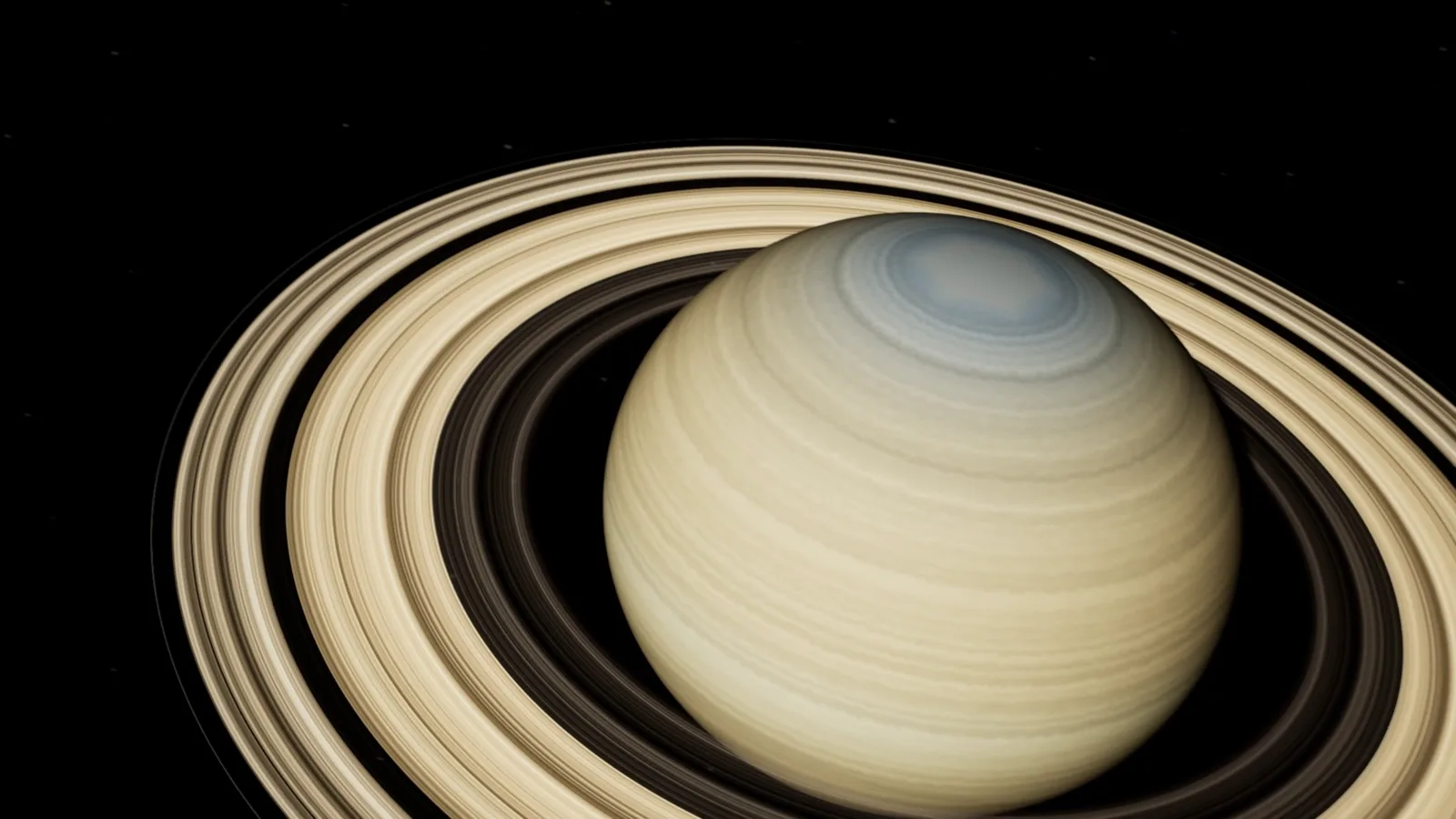
| Ring Shadow, Ring Forward Scatter | The rings' shadow on the planet and their glow seen from the unlit side. |
| Brightness, Granule Speed, Corona Intensity | The Sun's surface, its boiling granulation and its corona. |
| Atmosphere Haze | How much the air hazes the surface seen through it. |
5. Texture resolution
Celestial → Resolution → Texture Resolution switches a body between the texture sets it ships with, from 2K up to 64K for Earth. Higher looks sharper close up and costs memory; a missing tier falls back to the next one down. Large maps stream as virtual textures, so only the parts on screen are loaded.
6. Spin, tilt and time
- Axial Tilt Deg leans the pole; every body ships with its real tilt.
- Rotation Period Hours turns the body in play; Time Scale speeds the clock up (3,600 is one hour a second).
- Spin Deg and Shell Drift Deg set the turn and the cloud drift by hand. Key them in Sequencer for a shot.
7. Stars
The Exaro Star Dome actor draws the star field and the band of the galaxy behind everything. Set Intensity to taste (stars are faint next to a sunlit planet, as a real camera sees them) and turn the sky with Yaw Deg and Pitch Deg. The star fields are generated, so you can use them anywhere.
8. Flying, entry and close-up ground
Set your level's GameMode Override to Exaro Space Game Mode to fly with the Exaro Space Fly Pawn, or use the pawn's settings as a starting point for your own. On the pawn, Speed Per Height, Floor Km and Buffet Deg set how fast it flies, how low it can go and how hard re-entry shakes the camera.
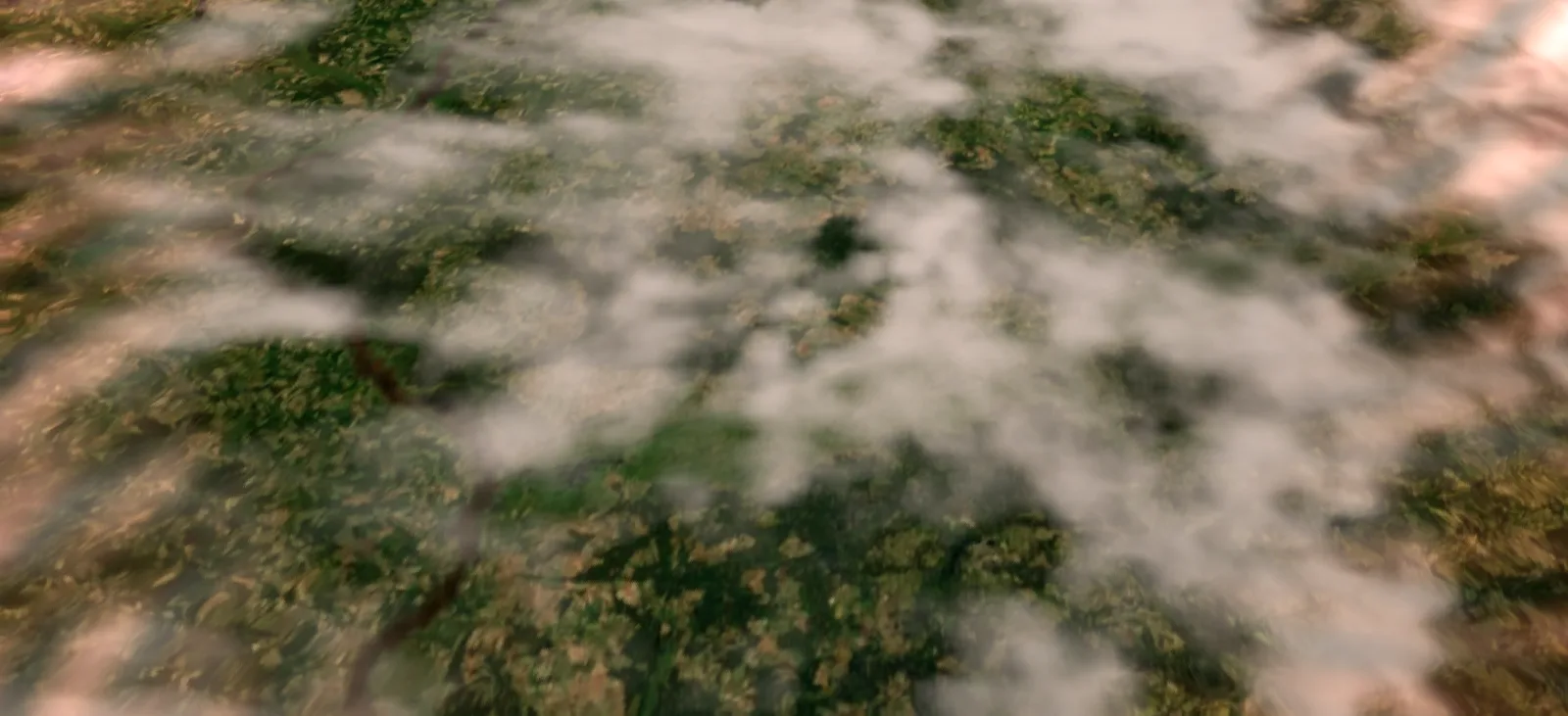
Re-entry. Earth's Celestial → Entry section holds the post-process material a descending camera wears, the heights where heating starts and ends, and the speed that gives full heat. Clear Entry Material to switch the effect off.
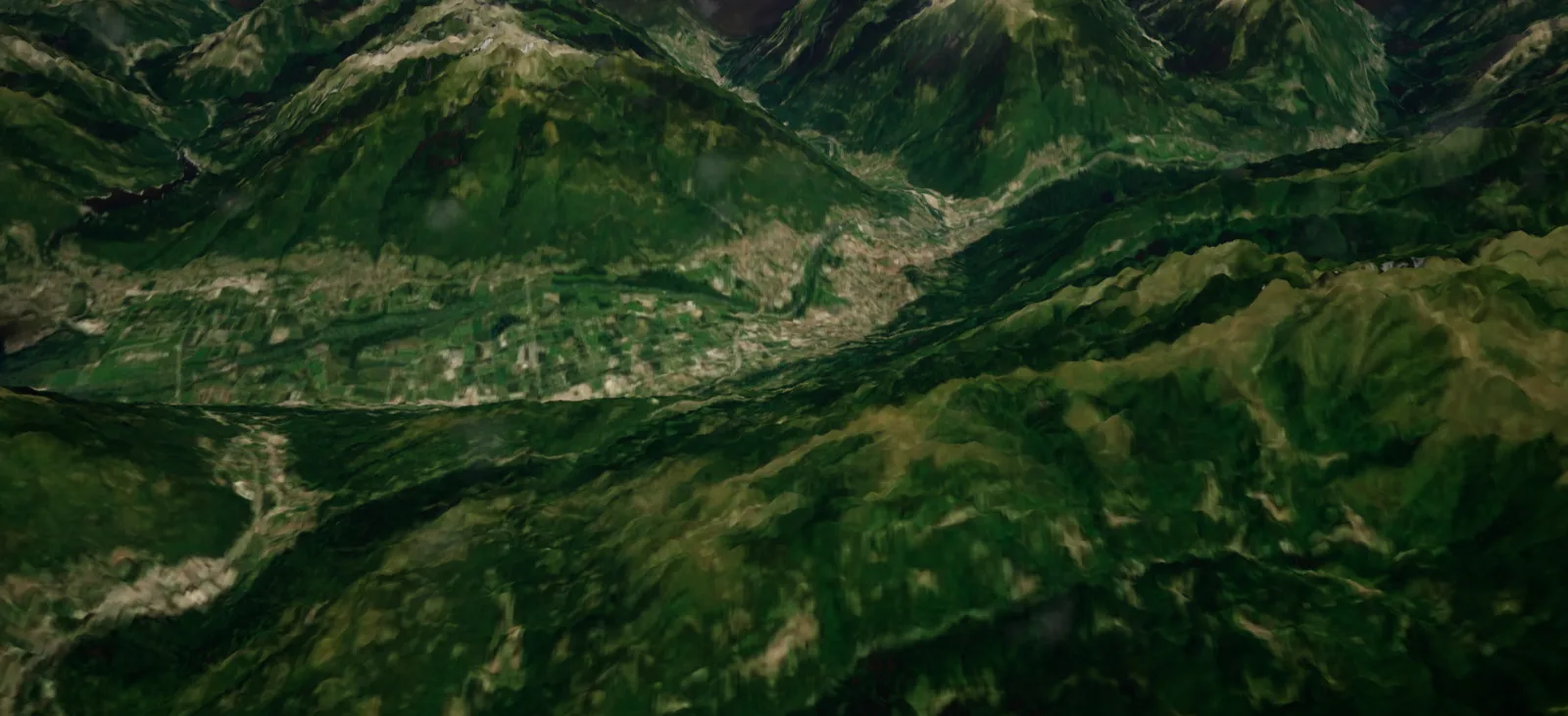
Streamed ground imagery. Below 200 km, Earth can download sharper satellite imagery for the ground under the camera and blend it over its own map. The default source is NASA's Landsat mosaic: public domain, cloud-free and about 30 m a pixel, against about 600 m for the 64K map. Settings are on the body's Imagery component:
- Enabled turns streaming on or off.
- Tile Url is the imagery server (any WMTS server in geographic tiling; use only imagery you have the right to use).
- Start Km, Max Level and Grid set where streaming starts, the finest detail and the size of the sharp patch.
Streaming needs an internet connection; without one, the body keeps its own maps. Open water always uses the body's own map, because the satellite mosaic has no data over the sea.
9. Fictional worlds
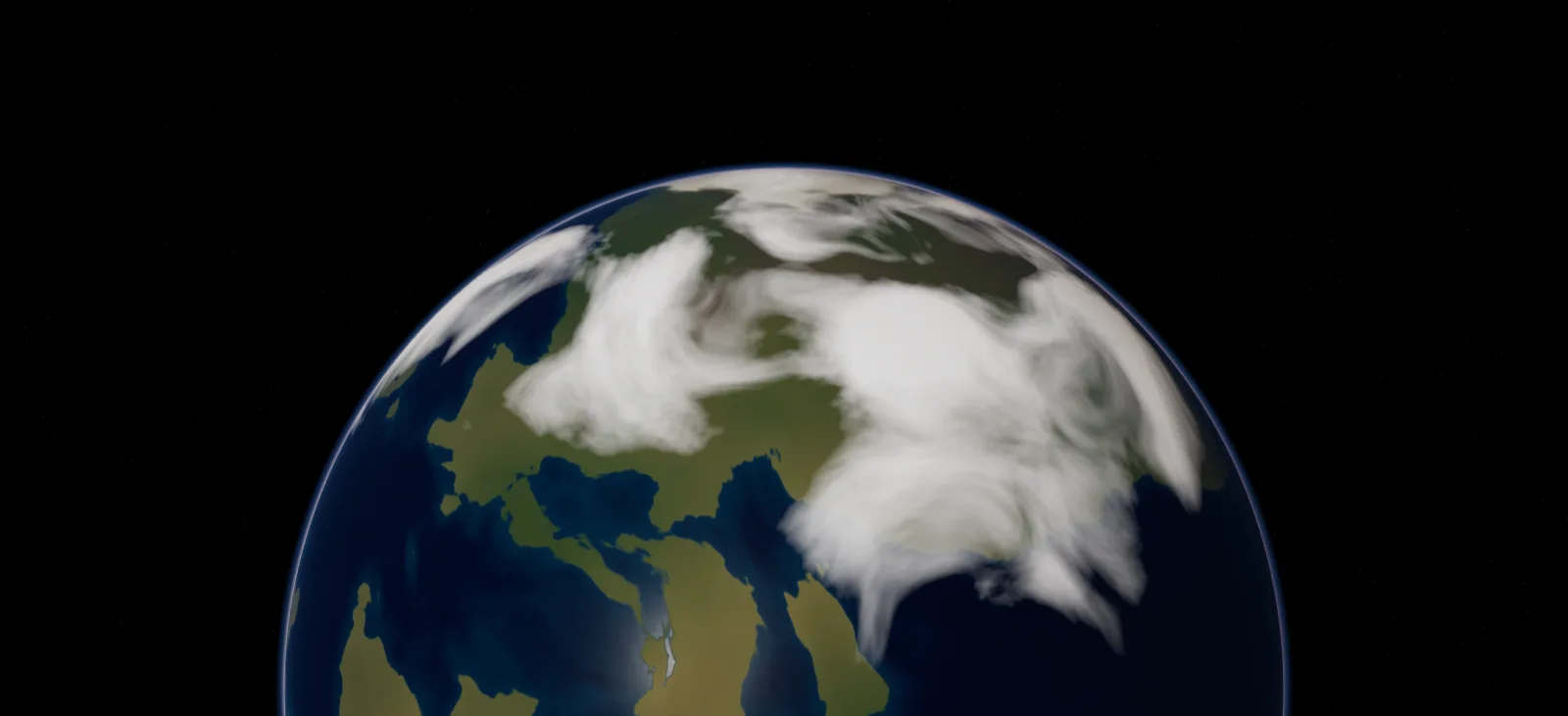
The five worlds in NewWorlds are made from a seed: terrain, oceans, colour and clouds all come from numbers, so none of them is a real place. Use them as they are, or copy one into your level and change its look settings to make it your own.
10. Rendering shots
The five cinematic maps each have a level sequence in Space/Sequences. Open one and press Play in Sequencer, or render it with Window → Cinematics → Movie Render Queue. Give Movie Render Queue a few warm-up frames (Anti-aliasing → Engine Warm Up Count, 64 is plenty) so virtual textures and Nanite stream in before the first frame you keep.
11. Credits and licences
Real bodies use public-domain maps from NASA, USGS and NOAA. The star fields, the Sun, Saturn's rings, the cloud layers of Venus, Saturn, Uranus and Neptune, Pluto's colour and all five fictional worlds are generated by Exaro. CREDITS.txt in the zip lists every source. You may ship all of it in your games and films. Exaro Celestial Bodies is not affiliated with or endorsed by NASA, ESA, USGS or NOAA.